Morbid Monkee
New member
- Local time
- 7:20 AM
- Messages
- 14
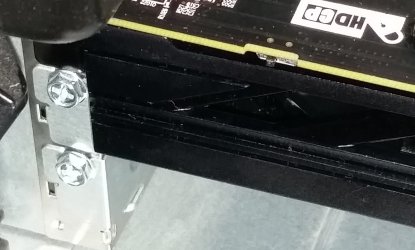
Currently running a radeon 6850 and decided to upgrade to the Nitro R9 380, when I took my old card out and replaced with the 380 I only get a black screen and the power save mode message on my monitor. I cant figure out the onboard graphics thing because my 6850 is the only thing I see under device manager and in advanced bios there is no setting to disable onboard graphics. I installed the drivers that came with the 380 off of the disc and that didnt help either ...anyone know what I am doing wrong? Baby step walk me through the process because Im somewhat a novice these days lol, my other graphics card continues to work when I plug it back in so its got to be a driver issue unless my motherboard cant handle the new card which I find unlikely
My Computer
At a glance
Windows 7 Home x64Intel(R) Core(TM) i5-2300 CPU @ 2.80GHz16GB Corsair (4x 4GB)AMD Radeon HD 6800 Series
- Computer type
- PC/Desktop
- Computer Manufacturer/Model Number
- Alienware Aurora R3
- OS
- Windows 7 Home x64
- CPU
- Intel(R) Core(TM) i5-2300 CPU @ 2.80GHz
- Memory
- 16GB Corsair (4x 4GB)
- Graphics Card(s)
- AMD Radeon HD 6800 Series
- Monitor(s) Displays
- Dell ST2210(HDMI)
- Antivirus
- McAfee Total Protection
- Other Info
- PLDS DVD+-RW DH-24ABS