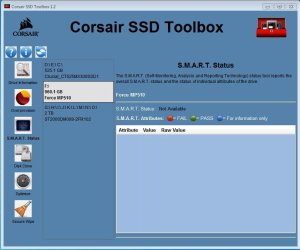
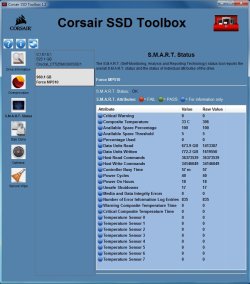
I have modded HP Elite 8300/Elitedesk 800 G1, SFF/twr, four in total. Just followed Paul's' guide. It worked. an average user can easily learn to do.
one thing
chipname varied PC by PC. at this point, Paul's' guide is working. but chipname varies. when modding, copy chipname right on screen. It may be different from that of Paul's guide.
HP 8300, twr vs. SFF, chipname NOT same.
HP 800 G1 DM vs. SFF vs. twr, chipname NOT same.
cost
about $30 per PC mod. SSD 512GB<$30. PCIe adapter card <$2 on ebay. I tested 512GB Intel 670P, Samsung PM961 and Toshiba. each worked fine.
If no plan to upgrade PC soon, this mod is NOT bad at all. Crystal test sees some 5X improvement, depending on CPU (i3/i5/i7, PCIe v2 to v3, 3X to 6X in my test).
clean install
these are HP PCs. I was using Windows 7/10 install media from HP Cloud Recovery. clean install no any problem. the HP install media works for HP PC only.
its beauty:
1. including install drivers needed.
2. naturally activated. no need of Window 7 key. no need of online activate.
Con:
1
After BIOS mod, most backup software cannot detect the NVMe SSD on PCIe slot. This causes a problem when backup. I was asking help for MR. indeed I tested about 3-5 backup software. none could detect (ghost MR, , , CrystalDiskInfo). At final, I got a ghost trial copy (broadcom) and did disk image then backup the image.
2
MBR. Its boot menu is out of order (damaged). When use, it's getting abnormal or fails. I got hard time to boot from DVD ROM (MBR).
So, if you would spend more than $30 budget, maybe could upgrade PC to HP 800 G2/3, which naturally support NVMe SSD. and easy to run backup.