ShinChan
New member
- Local time
- 6:15 PM
- Messages
- 11
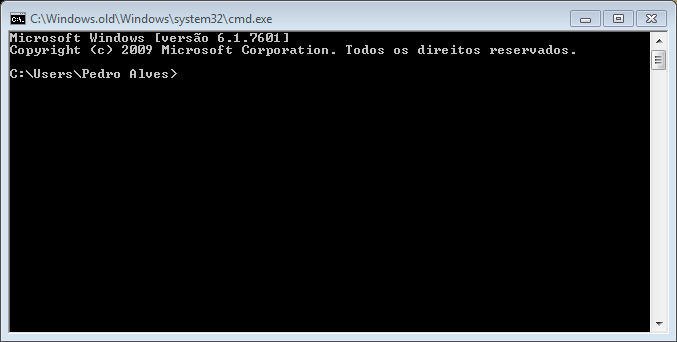
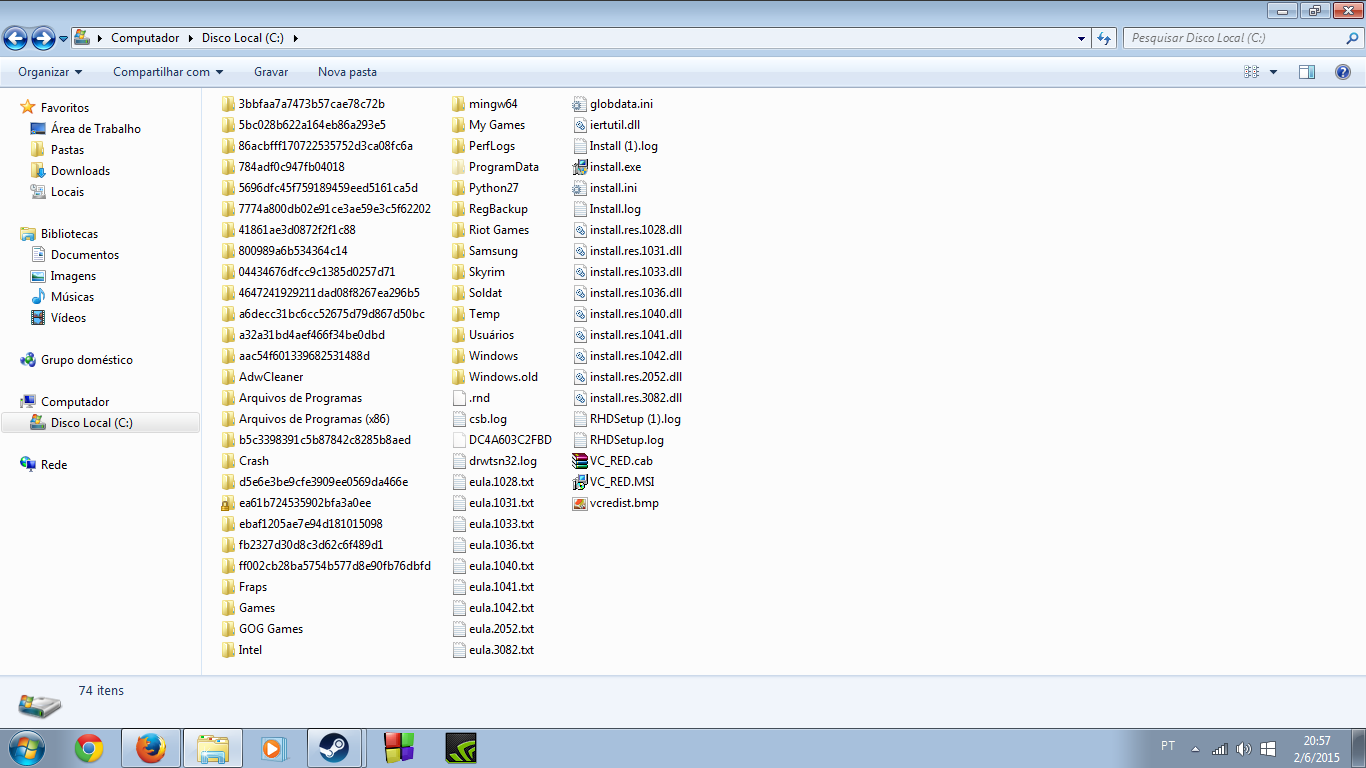
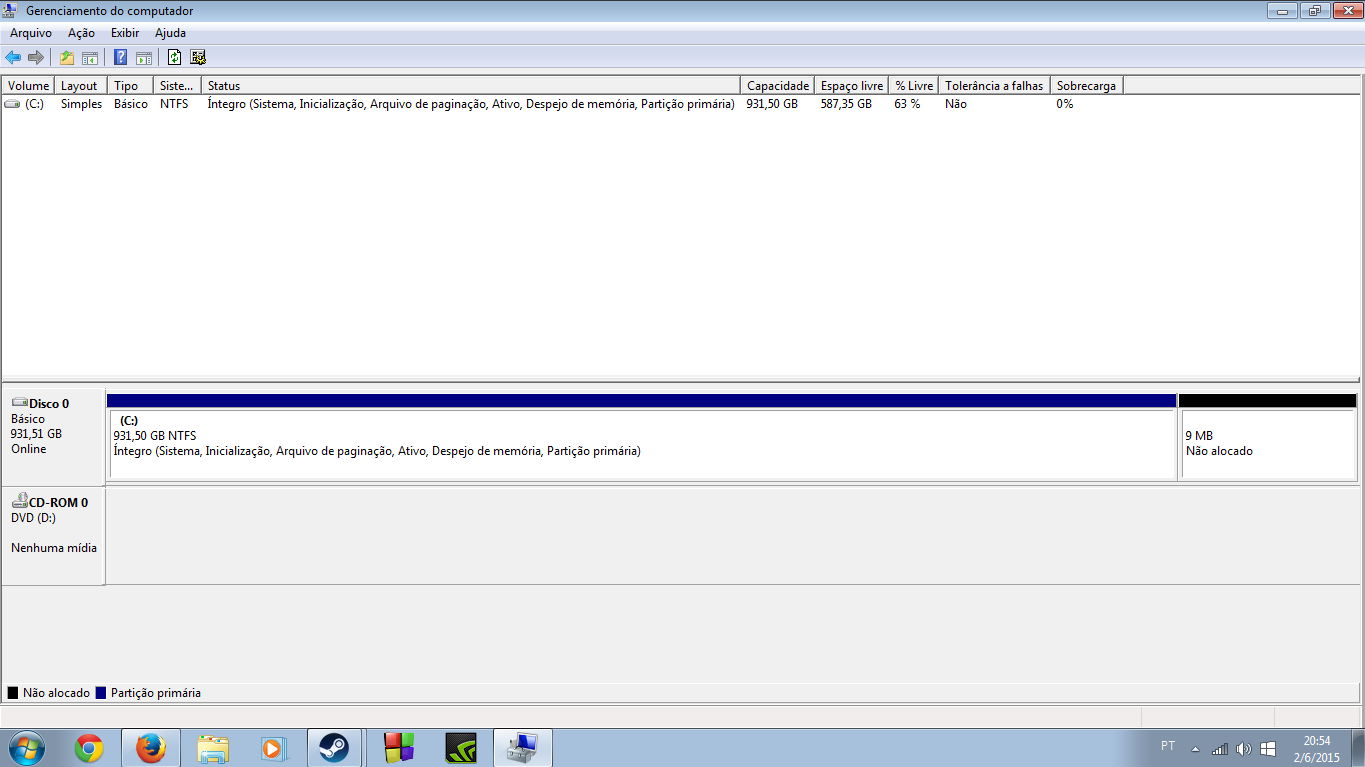
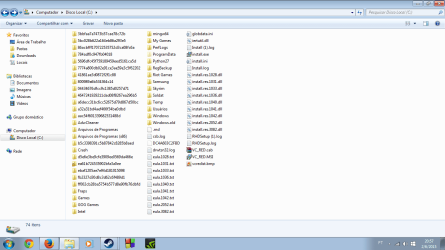
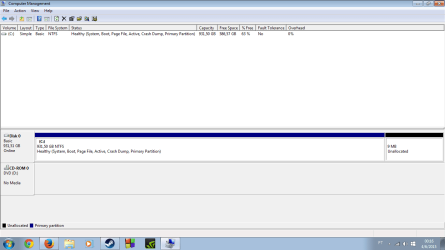
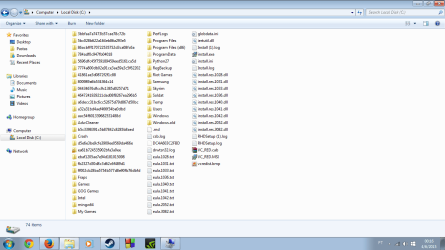
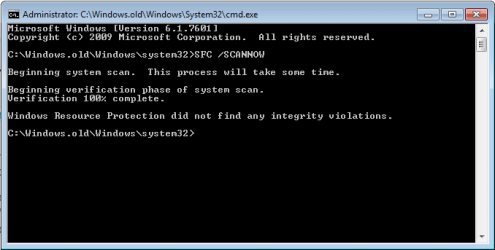
Since I upgraded from WinXP to Win7, I've noticed that C:\Windows files are located in C:\Windows.old\Windows. This happened because, while trying to install Win7, one of my RAM's chips seemed to be broken, stopping the process several times. So, at the end, I throwed it away and I'm with Win7, BUT, with the multiple attempts of install it, the system, apparently, overwrote the OS and, now, I'm using the "old" one.
Does someone have ANY ideas? I could reinstall it, yeah, but I already have some programs and huge stuff so, i prefer to make it as last option.
Since now, I thank you.
Does someone have ANY ideas? I could reinstall it, yeah, but I already have some programs and huge stuff so, i prefer to make it as last option.
Since now, I thank you.
My Computer
At a glance
Windows 7 Ultimate x64Intel(R) Core(TM) i5-3330 CPU @ 3.00GHzKingston DDR3 4096MBytes RAM @ 1333GHzNVIDIA GeForce GT 640
- Computer type
- PC/Desktop
- Computer Manufacturer/Model Number
- Custon build
- OS
- Windows 7 Ultimate x64
- CPU
- Intel(R) Core(TM) i5-3330 CPU @ 3.00GHz
- Motherboard
- Gigabyte GA-H61M-DS2
- Memory
- Kingston DDR3 4096MBytes RAM @ 1333GHz
- Graphics Card(s)
- NVIDIA GeForce GT 640
- Antivirus
- Norton 360
- Browser
- Mozilla Firefox