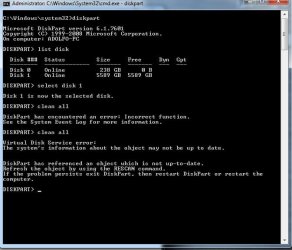
Sorry I couldn't help. But, if you decide to put it back in the notebook and it does work, leave it in. Boot from the installation disk, at the first screen, do not select your language, hold down the shift key and press F10. You will get a command prompt and can do exactly the same thing. Then close it out and replace it with the SSD. You will know it is the enclosure or that it was not connected to the enclosure correctly. That is the best I can do. Sorry I couldn't help.