
You are using an out of date browser. It may not display this or other websites correctly.
You should upgrade or use an alternative browser.
You should upgrade or use an alternative browser.
Can't format partition
- Thread starter abajol
- Start date
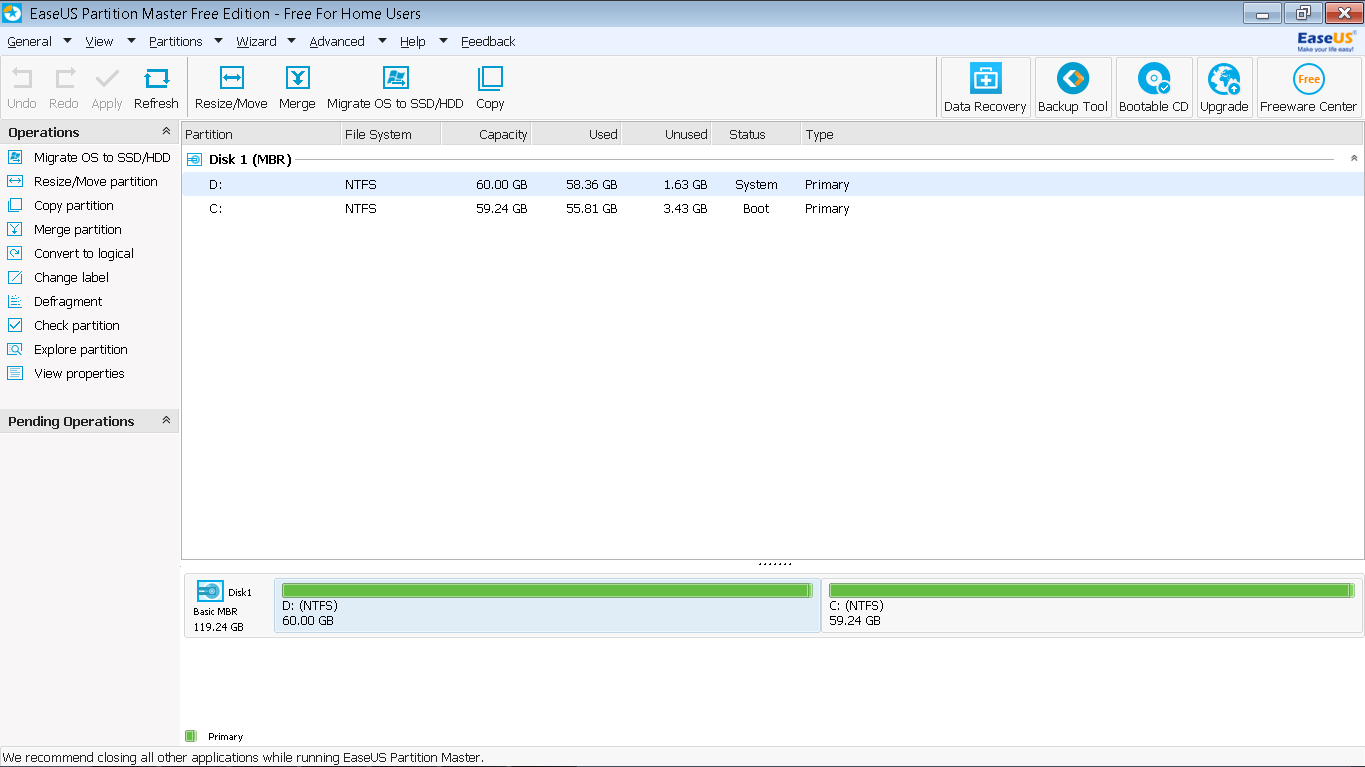
Try minitool partition wizard V 9.0.
Great free program and it has worked for me a long time.
Great free program and it has worked for me a long time.
My Computer
- Computer type
- PC/Desktop
- Computer Manufacturer/Model Number
- had the system built by PCsandParts
- OS
- windows 7 Pro 64 bit
- CPU
- mini tower
- Motherboard
- h110m-k (lga1151)
- Memory
- 4g
- Graphics Card(s)
- nvidia geforce gt730 graphics card
- Sound Card
- high definition audio device
- Monitor(s) Displays
- 19" dell ultra sharp
- Screen Resolution
- 1280 x 800
- Hard Drives
- Kingston SSD
- PSU
- ?
- Case
- ?
- Cooling
- ?
- Keyboard
- standard ps/2 keyboard
- Mouse
- ps/2 compatible optical
- Internet Speed
- fiber optics
- Antivirus
- ESET Smart Security
- Browser
- IE11
- Other Info
- no Wifi. Bose speakers, optical drive tsstcorp dvd+-RW

- Local time
- 2:57 PM
- Messages
- 120
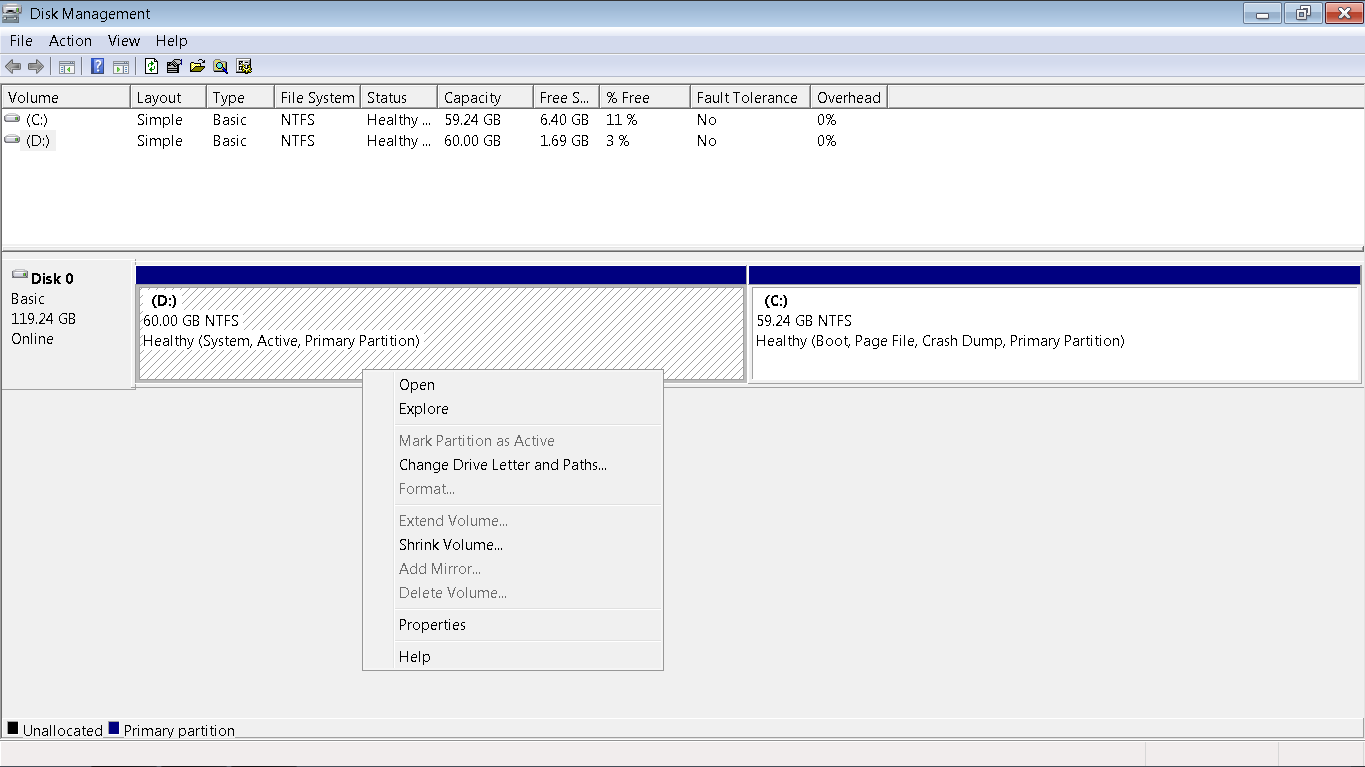
Try this - go back to Windows Disk Management, click on the D: drive and select "Change Drive Letter and Paths". Remove (not change) the Drive letter (this "unmounts the drive). Then try to format.
My Computer
- OS
- Windows 7 Home Premium
- CPU
- i3 2100T
- Motherboard
- ASRock H67M-ITX

- Local time
- 11:57 AM
- Messages
- 50,634
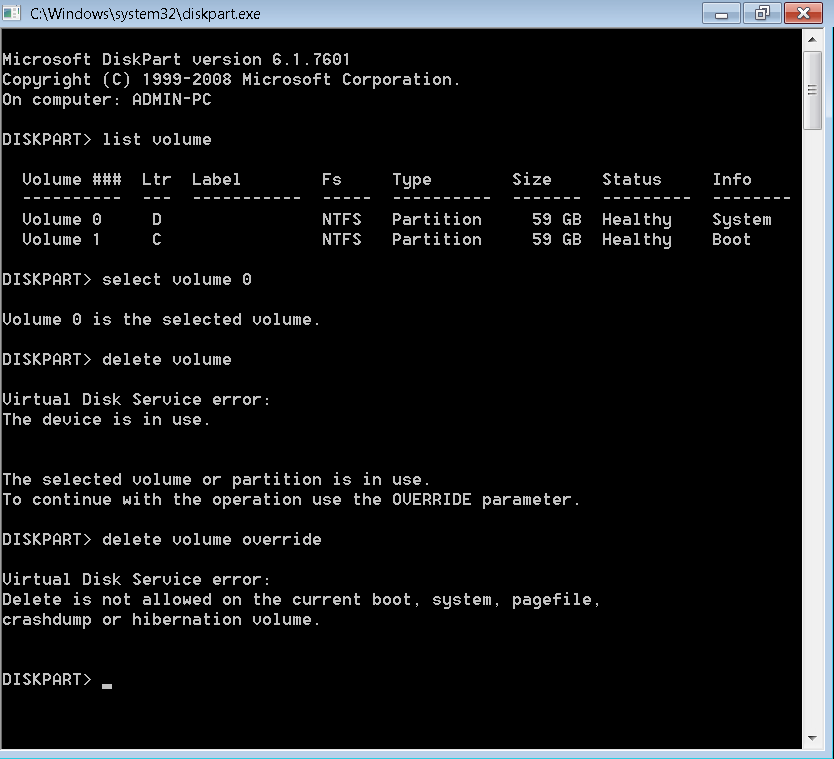
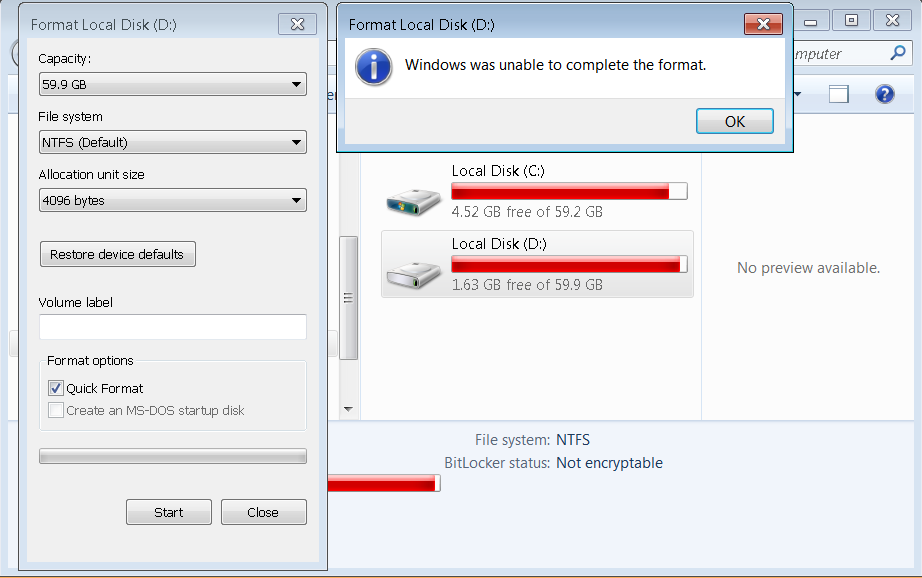
It won't let you format the partition (which is already formatted) because it is booting C as signified by the System Active flags on it in Disk Mgmt.
To fix this you can either 1) Move the Bootmgr to C using EasyBCD, or 2) Mark Partiion C Active then boot into WIn7 disk or System Repair Disk to run Startup Repair - Run 3 Separate Times - until Win7 starts and holds the System Active flags.
You can then delete D in Disk Mgmt to recover any of its space into C following How to extend partition easily with Partition Wizard - video help.
What I would do is move C over to the left side of the drive to benefit from faster read speeds. To do this delete D, then choose Partition Wizard Resize Partition - Video Help, drag the partition and drag it intact all the way to the left, then adjust the right border to add any more space you want for C, click OK, Apply Step. It's safest to use the Partition Wizard CD burned to disk with Windows Image Burner, booted to do these operations which risk data loss.
To fix this you can either 1) Move the Bootmgr to C using EasyBCD, or 2) Mark Partiion C Active then boot into WIn7 disk or System Repair Disk to run Startup Repair - Run 3 Separate Times - until Win7 starts and holds the System Active flags.
You can then delete D in Disk Mgmt to recover any of its space into C following How to extend partition easily with Partition Wizard - video help.
What I would do is move C over to the left side of the drive to benefit from faster read speeds. To do this delete D, then choose Partition Wizard Resize Partition - Video Help, drag the partition and drag it intact all the way to the left, then adjust the right border to add any more space you want for C, click OK, Apply Step. It's safest to use the Partition Wizard CD burned to disk with Windows Image Burner, booted to do these operations which risk data loss.
Last edited:
yuriag
Banned
you may try reinstall the window and should work 
My Computer
- Computer type
- PC/Desktop
- Computer Manufacturer/Model Number
- http://www.geekygadgetshop.com
- OS
- linux
- Motherboard
- http://www.geekygadgetshop.com
- Graphics Card(s)
- http://www.geekygadgetshop.com
- Hard Drives
- http://www.geekygadgetshop.com
- Antivirus
- http://www.geekygadgetshop.com