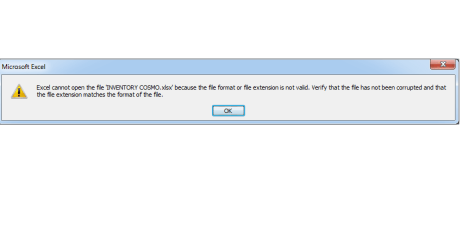
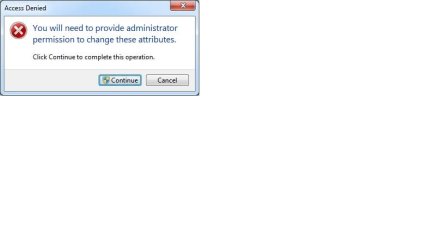
right click on any of the files and click Properties. Now click on Advance button under General Tab and check the status of Compress contents to save disk space" and "Encrypt contents to secure data". if these options are checked then uncheck them and then try to open the files
My Computer
- Computer type
- Laptop
- Computer Manufacturer/Model Number
- Dell Vostro 2520
- OS
- Windows 10 Tech Preview
- CPU
- Intel i5 (3rd Gen)
- Motherboard
- Intel® Mobile HM75 Express chipset
- Memory
- 4GB
- Graphics Card(s)
- Intel HD Graphics 4000
- Hard Drives
- 500GB
- Keyboard
- onboard keypad, USB keyboard
- Mouse
- touchpad, USB mouse, wireless muse
- Internet Speed
- 4 Mbps
- Antivirus
- No
- Browser
- IE, chrome, firefox