

Well, I've been using the latest stable (normal channel) release of Chrome. All of the sudden, it started displaying certain websites wrong, such as Tumblr and Lifehacker. I don't know what caused it because I haven't changed anything recently, but now I'm using Opera. I did have extensions installed, but nothing that could have caused this.
I uninstalled Chrome with Revo Uninstaller and did a clean install and I still have the same problem (with no extensions). I even tried the Flock Browser Beta which is built on Chrome instead of Firefox. Same issue. Here are some screenshots. Any help, please? It's my favorite browser, and, although Opera is nice, I prefer Chrome's extensions over Opera's useless widget system.
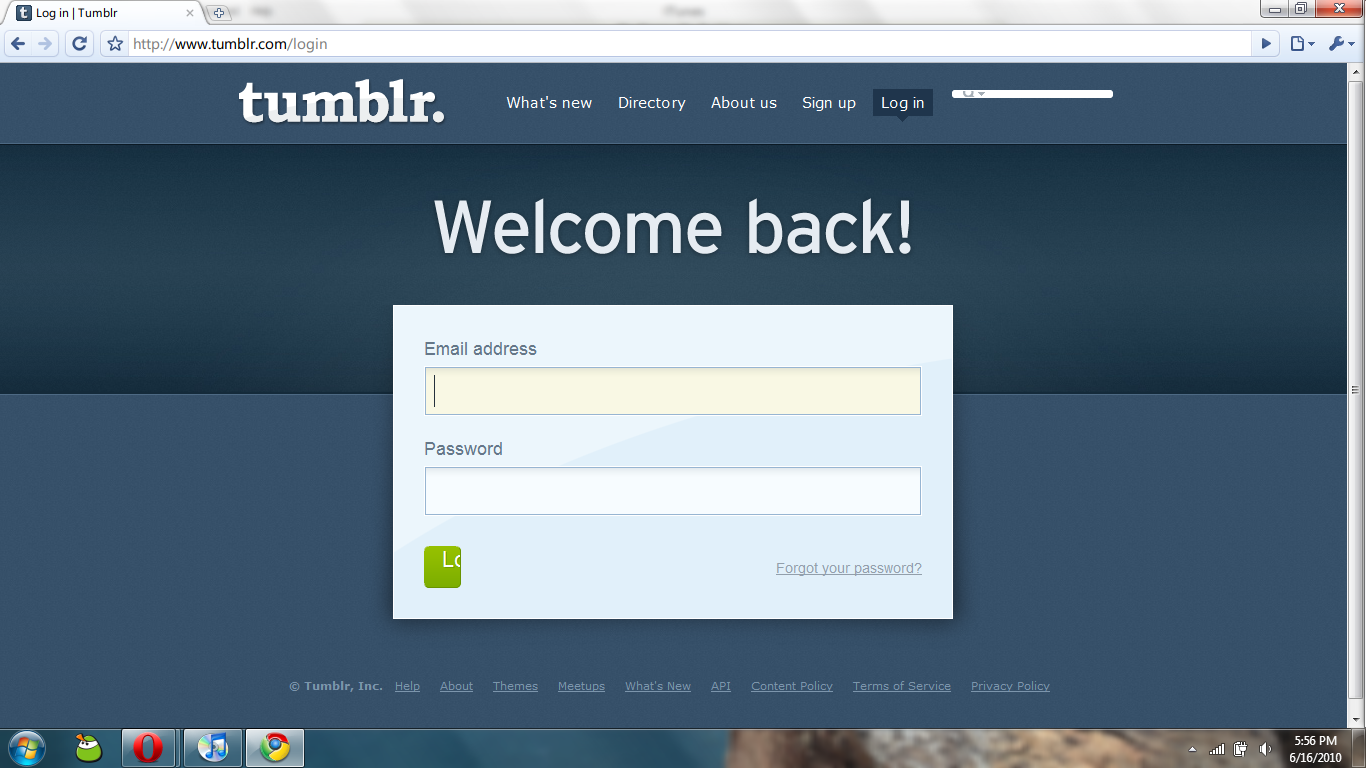
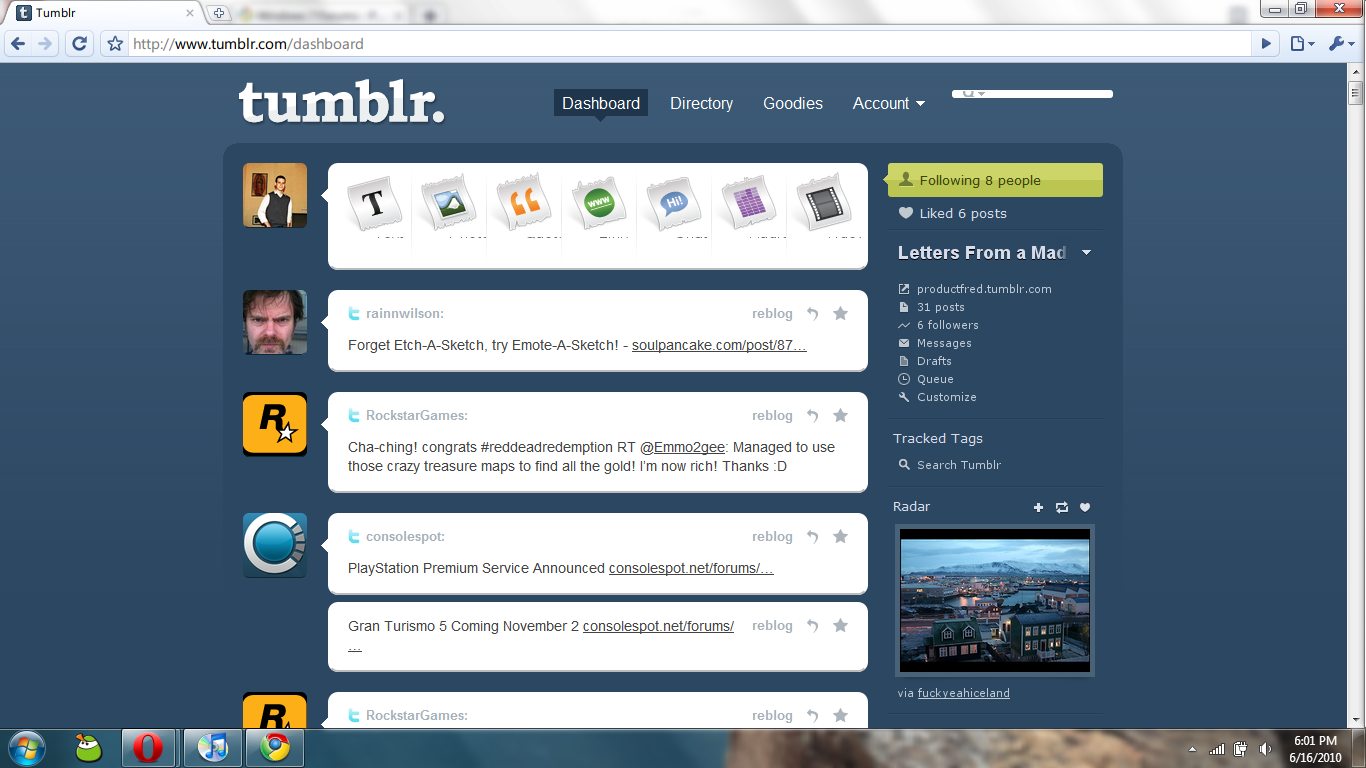
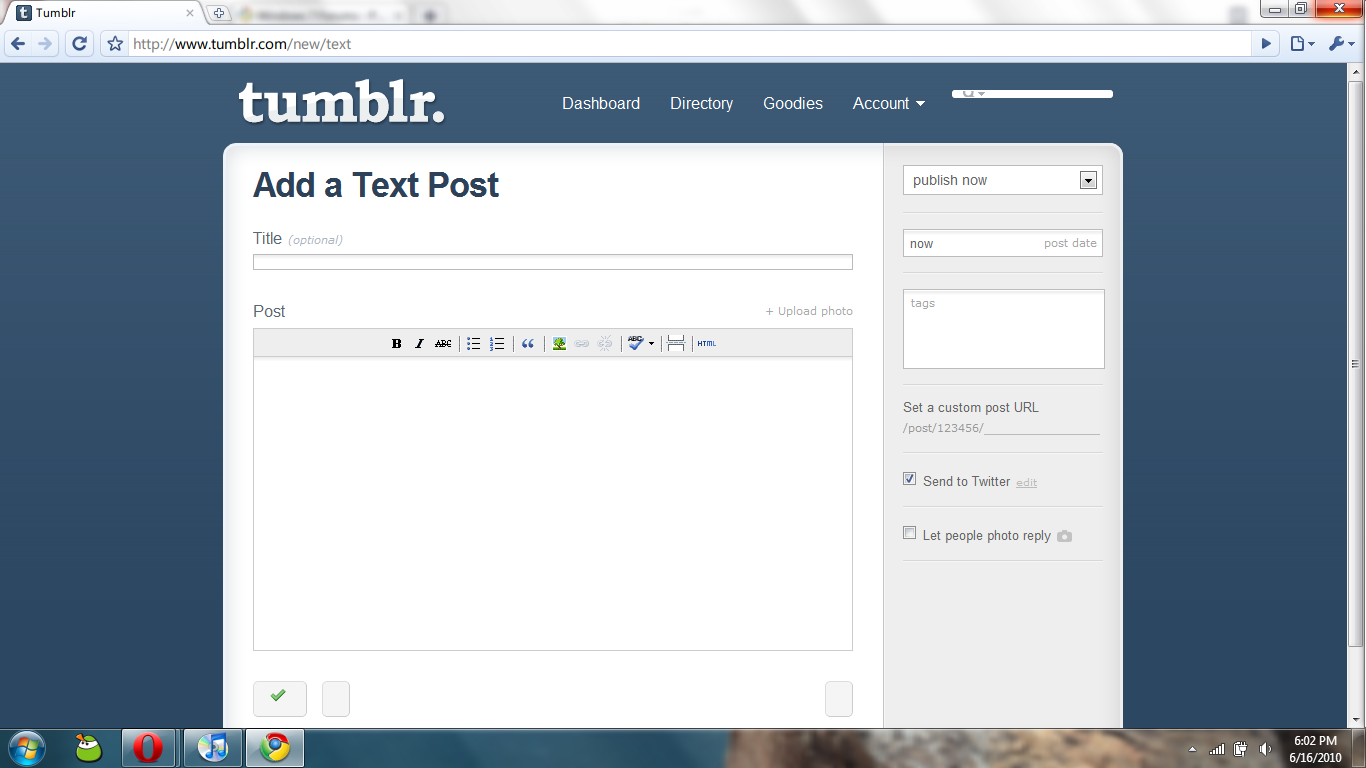
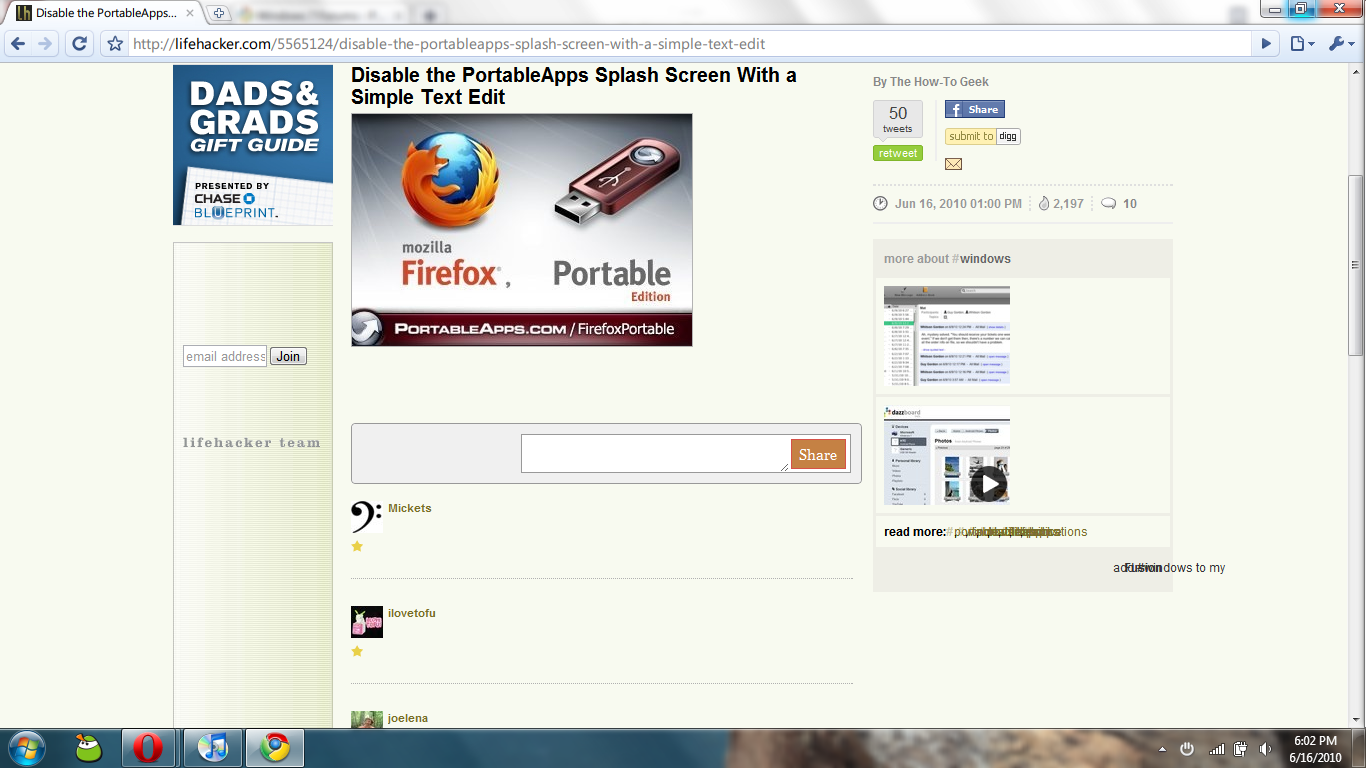
I uninstalled Chrome with Revo Uninstaller and did a clean install and I still have the same problem (with no extensions). I even tried the Flock Browser Beta which is built on Chrome instead of Firefox. Same issue. Here are some screenshots. Any help, please? It's my favorite browser, and, although Opera is nice, I prefer Chrome's extensions over Opera's useless widget system.
My Computer
- OS
- Windows 7 Enterprise 64-bit
- CPU
- AMD Phenom II X4 3.0GHz
- Motherboard
- ASUS M5A97
- Memory
- 8GB G-Skill Ripjaws DDR3 1333
- Graphics Card(s)
- PNY GeForce 460 GTX 1GB OC - Enthusiast Edition
- Sound Card
- VIA High Definition Audio
- Monitor(s) Displays
- Dell 19"
- Screen Resolution
- 1280x1024
- Hard Drives
- 1TB - Primary
160GB - Secondary
250GB - External backup for important files
- PSU
- OCZ Fata1ty 700W Modular PSU
- Case
- ASUS
- Keyboard
- Microsoft Wireless Keyboard 2000
- Mouse
- Microsoft Wireless Mouse 2000
- Internet Speed
- 3 Mbps/768 kbps


 . Is this a default windows 7 and/or Chrome installation or have you re-skinned either of them or customized the