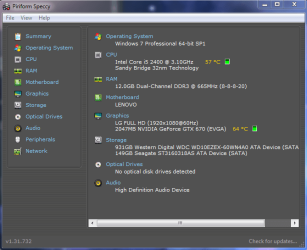
Hi,
I'd remove and reinstall all of corsair link crapware after downloading a little better version
v4.2.3.41
You can get it here
The Corsair User Forums - View Single Post - Discuss Link v4.6.0.86 here
Afterwards just ignore the do you want to update
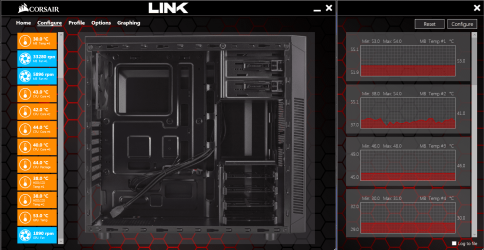
Okay, I have a few more options as shown in the picture. I tried checking an option saying "set all fans to 100%" but i see no difference.
How may I go about increasing my pump/fan speed?
Attachments
My Computer
At a glance
Windows 7 ProIntel Core i7 2600k @4.6Ghz16 GB DDR3 1600mhzEVGA GTX 980Ti
- Computer type
- PC/Desktop
- Computer Manufacturer/Model Number
- Maingear Custom PC
- OS
- Windows 7 Pro
- CPU
- Intel Core i7 2600k @4.6Ghz
- Motherboard
- Gigabyte GA-Z68X-UD4-B3
- Memory
- 16 GB DDR3 1600mhz
- Graphics Card(s)
- EVGA GTX 980Ti
- Sound Card
- Onboard
- Monitor(s) Displays
- Curved MSI 144hz 1ms
- Screen Resolution
- 1920x1080
- Hard Drives
- 250GB Samsung 860 Evo SSD
- PSU
- Seasonic 650 Watts Gold Rating
- Case
- Custom Maingear Case
- Cooling
- 60mm Maingear Liquid Cooling CPU
- Keyboard
- Basic Wireless Keyboard
- Mouse
- Basic Wireless Mouse
- Antivirus
- Microsoft Security Essentials
- Browser
- Google Chrome (Latest Version)