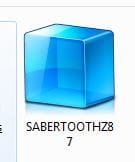
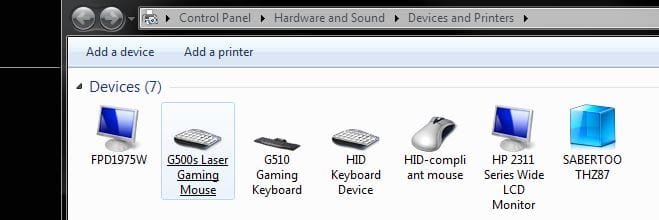
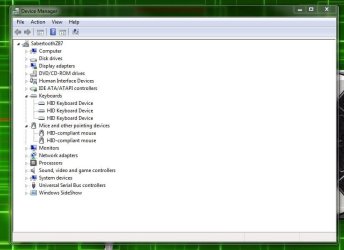
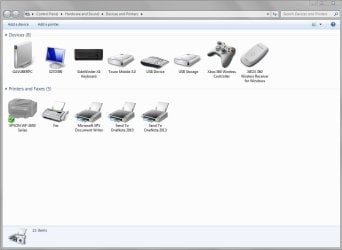
As per title.
This issue comes up time and time again with fresh Windows installs but I have yet to find a real solution other than reinstalling Windows again and hoping that it works.
So tell me, is there a way to force Windows to reset the folder's info/icons and download the nice ones?
I don't want to customise or do it manually - I just want Windows to do it the way it's supposed to.
Thanks
This issue comes up time and time again with fresh Windows installs but I have yet to find a real solution other than reinstalling Windows again and hoping that it works.
So tell me, is there a way to force Windows to reset the folder's info/icons and download the nice ones?
I don't want to customise or do it manually - I just want Windows to do it the way it's supposed to.
Thanks
Last edited:
My Computer
At a glance
Windows 7 Home Premium x64i7 5930KCorsair Dominator, DDR4 16GBEVGA GTX 980 SLI
- OS
- Windows 7 Home Premium x64
- CPU
- i7 5930K
- Motherboard
- Asus X99-A
- Memory
- Corsair Dominator, DDR4 16GB
- Graphics Card(s)
- EVGA GTX 980 SLI
- Sound Card
- Onboard Realtek HD
- Monitor(s) Displays
- Dell U3011
- Screen Resolution
- 2560x1600 (16:10, as god intended)
- Hard Drives
- Samsung 850 EVO 1TB SSD (Boot OS)
2 x Hitachi 7K3000 2TB (Storage)
- PSU
- Seasonic 1250W
- Case
- Corsair 900D
- Cooling
- Corsair H110 280
- Keyboard
- Logitech Wireless Illuminated keyboard K800
- Mouse
- Loigitech M950 Performance
- Internet Speed
- ADSL 2+
- Antivirus
- MS SE
- Browser
- Chrome