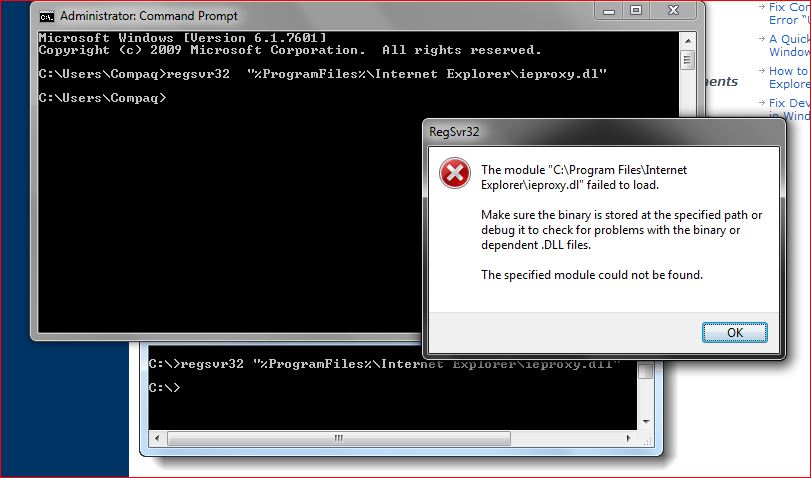
Hi.I have a laptop running windows 7 home premium.
Over the past few days something very strange has happened,When I open the Devices & printers page from the start method Its Blank nothing there I have a cordless mouse , And its connected to a home group.
The strange thing about it when I want to print a document etc I select the print method and it shows my default printer and my wireless printer on the drop down menu but nothing shows up in the Devices & printers page.
Have tried a system restore that didn't do anything.
Any help here please.
Thanks.
Over the past few days something very strange has happened,When I open the Devices & printers page from the start method Its Blank nothing there I have a cordless mouse , And its connected to a home group.
The strange thing about it when I want to print a document etc I select the print method and it shows my default printer and my wireless printer on the drop down menu but nothing shows up in the Devices & printers page.
Have tried a system restore that didn't do anything.
Any help here please.
Thanks.
My Computer
- Computer Manufacturer/Model Number
- compaq presario CQ61
- OS
- windows 7 home premium 64bit