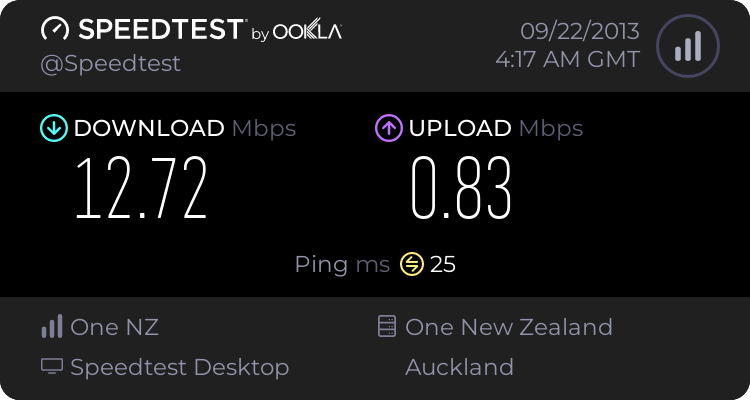
Over the past couple of weeks, my household's internet connection has been acting in a very confusing way. On an almost daily basis, there is an hour or so, often around midnight for some reason, when web pages seem to have problems loading. The modem still says its connected, and working fine. The devices connected still say they have an active, working internet connection, but a large portion web pages wont load. Its strange to me that its only some pages, like 80% perhaps - you go to a page and it wont load, refresh it 3 more times and it'll eventually load, then you go to another page and it loads fine, revisit that page 5 minutes later and it wont load again. Chrome just says "Oops, Google Chrome could not find "www.example.com"".
It seems to me like perhaps its an issue with the DNS server the modem is using? Whether its hosted by the modem or the ISP or what, I don't really know how hosting of them works. If I am downloading something, its not like the speed is effected, and once the download server has been reached, the connection seems to remain uninterrupted for the most part. This happens on all devices and computers connected to the network. And like I said, all parts of the network, modem, computers, etc, all say they are connection and functioning as expected. Usually this will go on for 20 minutes to an hour or two, then solve itself, unless I restart the modem.
So as far as I can tell, this is a modem problem, would any of you agree?
And if so, while I am at it, if any of you know a good modem for up to $150 USD which can serve basic home network operations, support around 10 connections, has wifi and at least 4 Ethernet ports, and an effective interface which allows effective port forwarding, I'd like to hear about it, or even just a brand you know and trust.
Thanks,
Tom
It seems to me like perhaps its an issue with the DNS server the modem is using? Whether its hosted by the modem or the ISP or what, I don't really know how hosting of them works. If I am downloading something, its not like the speed is effected, and once the download server has been reached, the connection seems to remain uninterrupted for the most part. This happens on all devices and computers connected to the network. And like I said, all parts of the network, modem, computers, etc, all say they are connection and functioning as expected. Usually this will go on for 20 minutes to an hour or two, then solve itself, unless I restart the modem.
So as far as I can tell, this is a modem problem, would any of you agree?
And if so, while I am at it, if any of you know a good modem for up to $150 USD which can serve basic home network operations, support around 10 connections, has wifi and at least 4 Ethernet ports, and an effective interface which allows effective port forwarding, I'd like to hear about it, or even just a brand you know and trust.
Thanks,
Tom
My Computer
- Computer type
- PC/Desktop
- Computer Manufacturer/Model Number
- Custom Build
- OS
- Windows 7 Professional 64bit
- CPU
- Intel i7 3770k 3.5ghz
- Motherboard
- Asus P8Z77-V Deluxe
- Memory
- Corsair Vengeance 16gb (4x4gb)
- Graphics Card(s)
- Gigabyte G1 Gaming GTX970
- Sound Card
- None
- Monitor(s) Displays
- 3x AOC 12367fh 23"
- Screen Resolution
- 1920x1080
- Hard Drives
- Western Digital Caviar Black 1TB - 64mb cache
Western Digital Caviar Green 1TB - 32mb cache
Samsung 830 SSD 128Gb Boot Drive
- PSU
- Corsair AX-860W ATX
- Case
- Corsair 500R black
- Cooling
- Corsair 500r Stock cooling (3x120mm, 1x200mm) & Corsair H100
- Keyboard
- Logitech G110 gaming keyboard
- Mouse
- Logitech G500s
- Other Info
- Corsair Hydro 100 CPU Cooler