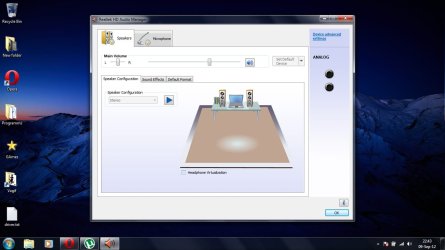
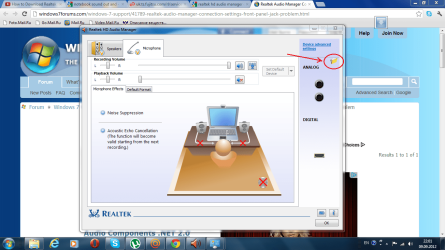
Generally, the vendor will implement the (in this case) RealTek sound manager for what they want or how they have configured the hardware. If you go to the chip vendor's sites such as IDT, RealTek, etc some do not even have drivers and just state that they supply the hardware and the vendor that implements the hardware is responsible to provide whatever is needed for the hardware and supporting software. One of the sound chip vendor's (I don't remember which one) has a driver but they too qualify that with the statement that the vendor specific driver (and associated software) should be used.
You can try different drivers other than your PC Vendor's drivers, some may work, some may not work or install and others may work but not correctly. Its a "take your chance". If you try other drivers, create a system restore point before installing (or attempting) them so you can can recover back to where you were before the install in case they do not work or mess things up.