
"DNS Server Isn’t Responding" error msg for my Office 365 website
First time ever with this problem...
Starting a few days ago, on my home network, I've been unable to see or edit my Office 365 Sharepoint website (www.wtlinc.net) on IE or Chrome. This is only a problem on my home network. The site is visible on networks outside mine. Further, I only have this problem with my website. I can see all other websites I normally visit (including this one). Last, I've not blocked my site accidentally.
My modem/router is an Actiontec GT784WN.
After much back and forth with Sharepoint Tech Support, they can find nothing wrong with the site.
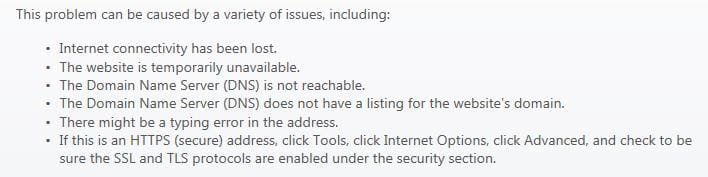
The error message I receive is "DNS Server Isn't Responding". My ISP (DSL Extreme) is no help. I'm about to call Actiontec.
Any educated guesses/solutions will be much appreciated. Thanks.
First time ever with this problem...
Starting a few days ago, on my home network, I've been unable to see or edit my Office 365 Sharepoint website (www.wtlinc.net) on IE or Chrome. This is only a problem on my home network. The site is visible on networks outside mine. Further, I only have this problem with my website. I can see all other websites I normally visit (including this one). Last, I've not blocked my site accidentally.
My modem/router is an Actiontec GT784WN.
After much back and forth with Sharepoint Tech Support, they can find nothing wrong with the site.
The error message I receive is "DNS Server Isn't Responding". My ISP (DSL Extreme) is no help. I'm about to call Actiontec.
Any educated guesses/solutions will be much appreciated. Thanks.
Attachments
Last edited:
My Computer
- OS
- Windows 7 Home Premium 64bit
