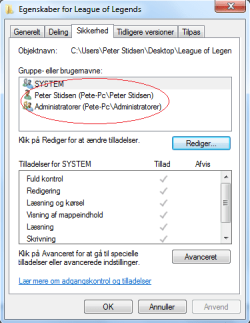
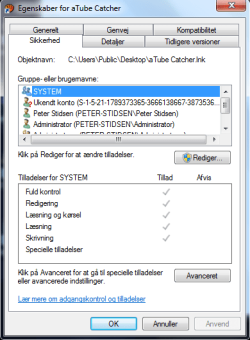
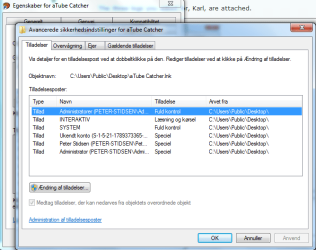
I opened up my new Samsung Series 3 computer for the first time. I made a spelling mistake when I had to choose my account name. After Windows finished installing i made a new account with the right name and i deleted the old. But if I right-click on a file, choose properties and open the tab Security (Sikkerhed in danish) I get this: https://www.dropbox.com/s/kz8px9nvge5uys1/Unavngivet.png Why is it Pete-pc(that's the fail name)\Peter Stidsen (the new account)?
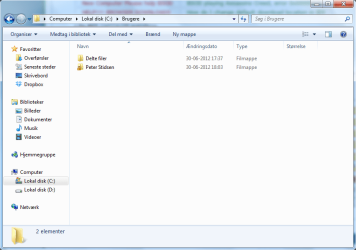
If i look in C:\Users the only folders are Shared files ("Delte filer" in danish) and Peter Stidsen: https://dl.dropbox.com/u/21887805/Unavngivet.png
If i look in C:\Users the only folders are Shared files ("Delte filer" in danish) and Peter Stidsen: https://dl.dropbox.com/u/21887805/Unavngivet.png
My Computer
- Computer Manufacturer/Model Number
- Samsung 15,6" laptop NP305V5A-T05S
- OS
- MS Windows 7 Home Premium 64-bit SP1
- CPU
- AMD A8-3530MX APU
- Motherboard
- SAMSUNG ELECTRONICS CO., LTD. 305V4A/305V4A (P0)
- Memory
- 8,00 GB DDR3 @ 665MHz
- Graphics Card(s)
- Crossfire: AMD Radeon(TM) HD 6620G and AMD Radeon 6630M
- Sound Card
- Realtek High Definition Audio