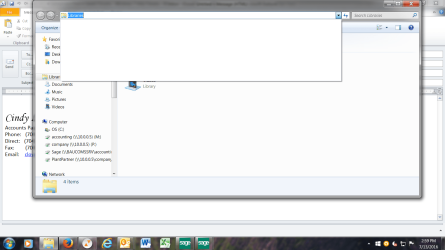
Here is my process. I scan documents onto my pc and save them to a file on my network drive. Then, I need to email these pdfs to other employees. I used to open Outlook, create a new email then click on "attach file". I would then get a drop down menu of the recent files I've worked with. There were some files on this recent list that I wanted to remove. I couldn't figure out how to remove only the select one or two files, so I cleared the history. Now, the files I view are not being saved to this drop down menu. I have to climb through 4 levels of files to get to the one document I need. How can I get File Explorer (not Windows Explorer) to start saving my recent activity again?
My Computer
At a glance
Windows 7 Professional SP1 64 bit
- Computer type
- PC/Desktop
- Computer Manufacturer/Model Number
- dell Optiplex 390
- OS
- Windows 7 Professional SP1 64 bit
- Antivirus
- avast
- Browser
- mozilla