Hey,
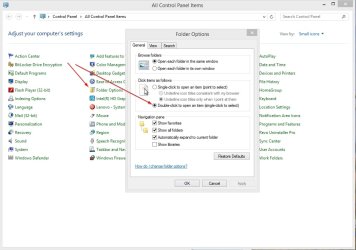
Recently my explorer changed the way i click on folders from double click to open to single to open (same as internet links), i tried to change it back, but unsucessfuly by using the folder option:
1. Change option
2. Change option, back to single click and back to double click
3. Reset defaults
4. Reset defaults in all tabs in Folder Options.
This is driving me nuts, I've been double clicking forever.
Any suggestions?
Thanks
Tricolor
Recently my explorer changed the way i click on folders from double click to open to single to open (same as internet links), i tried to change it back, but unsucessfuly by using the folder option:
1. Change option
2. Change option, back to single click and back to double click
3. Reset defaults
4. Reset defaults in all tabs in Folder Options.
This is driving me nuts, I've been double clicking forever.
Any suggestions?
Thanks
Tricolor
My Computer
- Computer type
- PC/Desktop
- OS
- Windows 7 Pro