folder options restricted error fix
Hello All I just wanted to share some useful advice I figured out when I was having an error with folder options
no where on the web could I find the answer and people were saying things like infection and what not or group policy
I know my machine is as clean as a whistle and I have edited my policy settings several times but am still getting this error
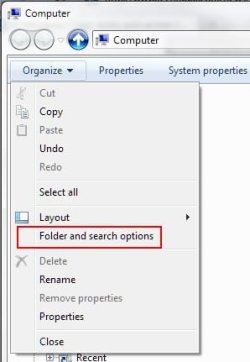
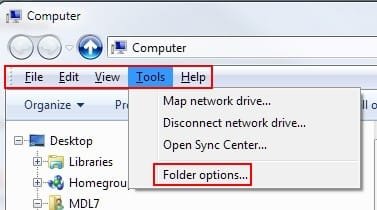
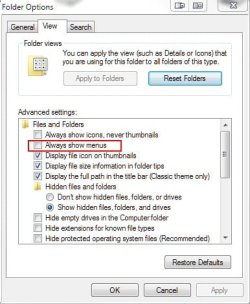
From the control panel, clicking on the Folder Options icon does nothing. From Windows Explorer, I get a restrictions window stating
'this operation has been canceled due to restrictions in effect on this computer. Please contact your system administrator'.
If you are getting this error try this , copy and paste everything between the following bars into notepad and save the file as anything with a dot reg extension (eg globalfolders.reg) then merge the key with your registry and restart explorer or the machine and viola all should be well ... hope this helps ... good luck .... and cheers
______________________________________________________________________________________________________________
Windows Registry Editor Version 5.00
[HKEY_LOCAL_MACHINE\Software\Microsoft\Windows\CurrentVersion\explorer]
"GlobalFolderSettings"="{EF8AD2D1-AE36-11D1-B2D2-006097DF8C11}"
______________________________________________________________________________________________________________




 Thanks so much!!!!