My Computer
- Computer Manufacturer/Model Number
- Dell Inspiron 1525
- OS
- Windows 7 - 32 Bit
- Memory
- 4 GB
- Hard Drives
- 320 GB
- Internet Speed
- Broadband



hi brink, yeah the divider part..i already have the preview thats ok,its the divider keeps resetting all the time...Hello Riptorn,
I'm not sure if I fully understand what you want or not, so let me know if not.
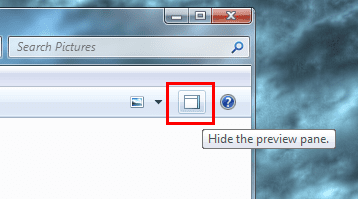
The divider that you mention is actually the preview pane width border instead. This is a universal setting that affects all folders in Windows 7. You change the width in any other folder, and it will change it in all of them.
If you do not want to have "Details" folder view, then you could click on View (menu bar) and select one of the icon view sizes instead.Hope this helps,
Shawn

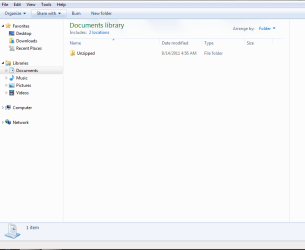
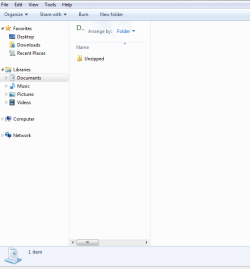
i sent you some pics of what i want,and what i dont want.thanks ripPlease mark in your screenshot this divider so that we are 100% sure of which one you meant.
thanks i reset the folders..works ok now thank you brinkSet it to how you want it, and close the folder. Now open the folder again. Does it open back the same way as you just last closed it?
If it does, then remember that if you change the width of the preview pane in any other folder, it changes it in all of them.
If it does not, then reset all folder views back to default, and try again. You may have to turn the preview pane back on afterwards though.