Is there a way to forward email messages in Windows Live Mail WITHOUT turning them into an attachment? I want to forward the message as an actual message--this gives me the option of editing it before I send it.
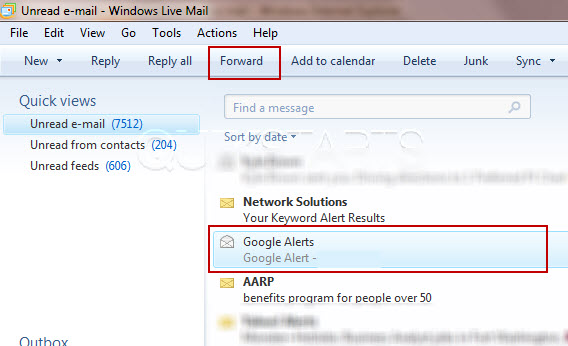
Select the email that you wish to forward and click the "Forward" button on the menu bar.
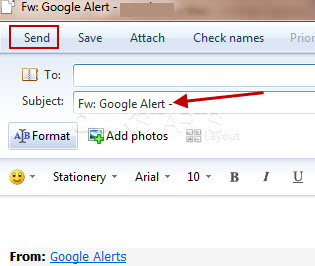
Type the email address of the person you want to forward the email to and press the "Send" button on the menu bar. Note : The subject field is already populated for you with the original subject preceded by "FWD"