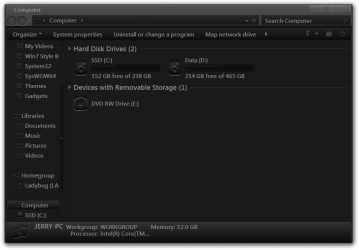
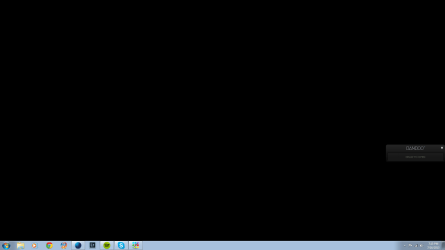
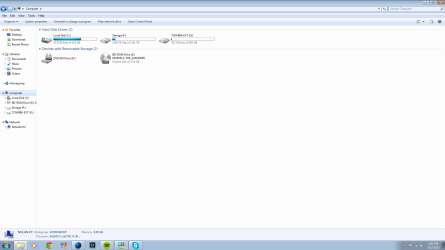
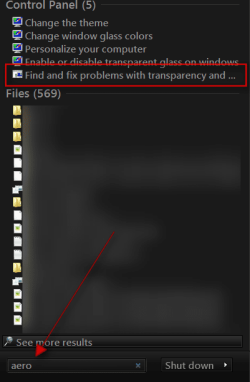
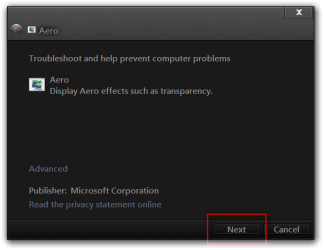
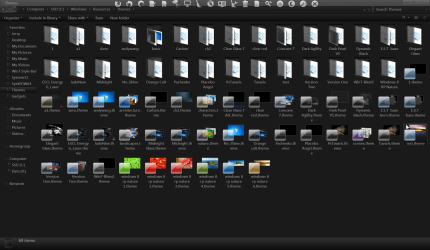
I'm trying to install one of those awesome glass themes, so of course it came with fullglass.exe, instructing me to place it in the startup folder. It didn't do anything that I could tell, so I rebooted the computer multiple times. I did some research, tried the Uxtheme patcher, and tried running fullglass as admin. Nothing seemed to work. I'm running Windows 7 Home X64 with a Core i7, Radeon HD7970, and 8GB RAM.
My Computer
At a glance
Windows 7 Home X64Core i7 3820 Sandy Bridge8GB G.Skill SniperAsus Radeon HD7970
- Computer type
- PC/Desktop
- Computer Manufacturer/Model Number
- Custom
- OS
- Windows 7 Home X64
- CPU
- Core i7 3820 Sandy Bridge
- Motherboard
- AsRock X79 Extreme
- Memory
- 8GB G.Skill Sniper
- Graphics Card(s)
- Asus Radeon HD7970
- Hard Drives
- OCZ Vertex 4 128GB SSD, Seagate Barracuda 2TB HDD
- PSU
- Corsair Professional Gold AX850
- Cooling
- CoolerMaster Hyper 212EVO
- Antivirus
- Norton Antivirus, Malwarebytes Anti-Malware
- Browser
- Firefox