

Each year, people are creating more content and using more devices to access that content. So it’s more critical than ever to be able to keep files, folders and photos safe, synced between devices, backed up and organized. To address this, in the coming weeks we’ll be rolling out a number of new features for Drive for desktop (Windows, macOS), our unified sync client that lets you easily sync your content across all your devices and the cloud.
Quickly sync and access content directly from PC or Mac
While many people access Google Drive directly from their web browser or from mobile apps, some people prefer to have access to their files and photos directly on their desktop, just like files that are stored locally on your device. Drive for desktop is an application for Windows and macOS that lets you quickly access content directly from your desktop, helping you easily access files and folders in a familiar location. Drive for desktop also automatically syncs local files to the cloud in the background, which minimizes the time you need to spend waiting for files to sync.
With Drive for desktop, you can access files directly from the cloud on your Mac or PC, which frees up your disk space and saves your network bandwidth. Because Drive files are stored in the cloud, any changes you or your collaborators make are automatically updated everywhere, and you’ll always have access to the latest version.
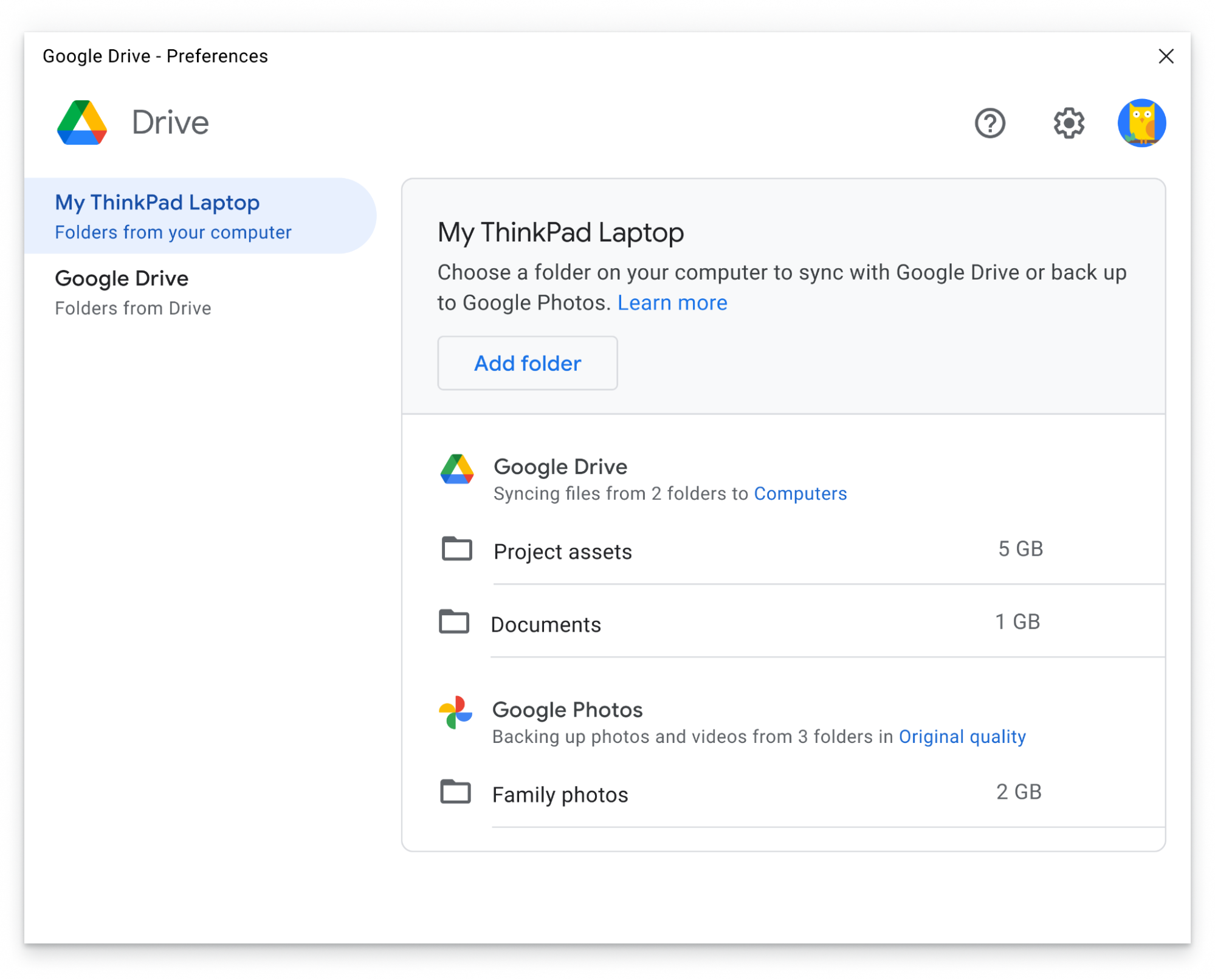
A unified, easy-to-use and faster sync client – for all users
Before launching Drive for desktop, we had two sync solutions available: Backup and Sync, which was built primarily for consumer users, and Drive File Stream, which was built for business users. Now, we're unifying these sync clients into the new Drive for desktop, bringing people the best and most used features from both Backup and Sync and Drive File Stream, including the ability to:
- Upload and sync photos and videos to Google Photos and/or Google Drive
- Sync external storage devices to the cloud, including flash drives and external hard drives
- Mirror Drive files on your desktop, which stores your files on your local device and enables quicker access to your content
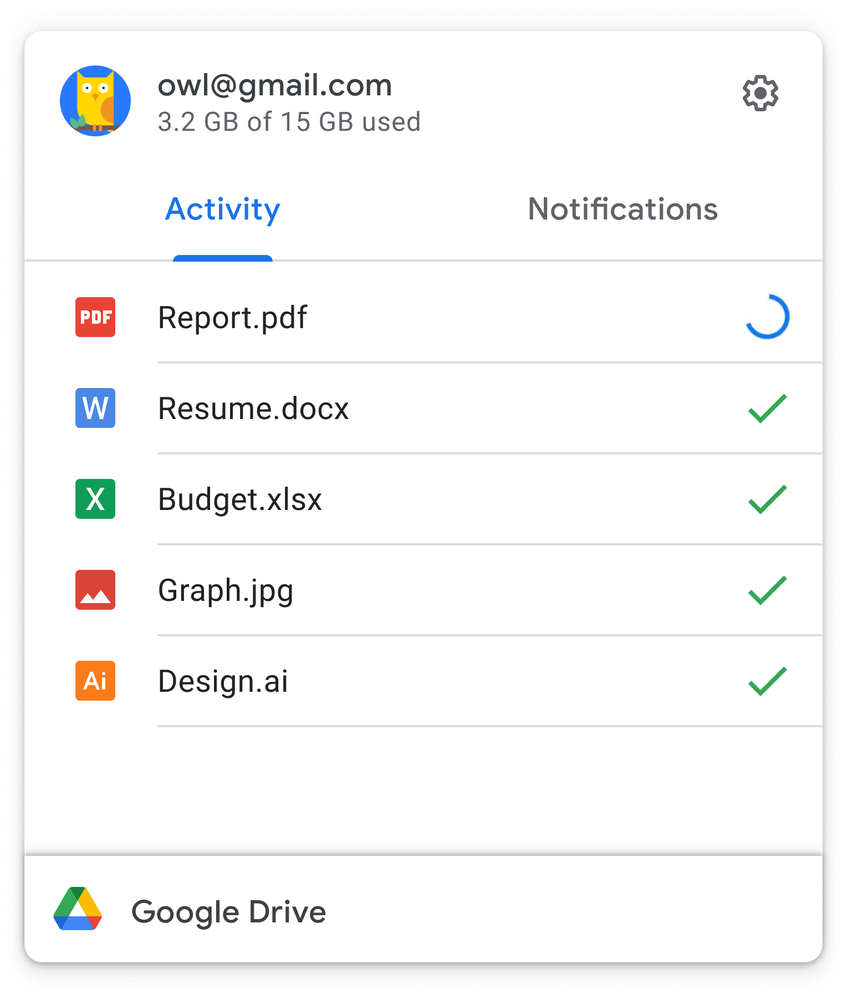
Transitioning to Drive for desktop
In the coming weeks, Backup and Sync users will begin to see prompts asking them to transition to Drive for desktop, which we recommend doing by September 2021. After this point, users will see an in-product notification notifying them they’ll need to transition to continue syncing their files. For additional details on the transition from Backup and Sync to Drive for desktop, please refer to this Help Center article.
You can learn more about the Drive for desktop transition for business users in this Google Workspace Updates blog post.
Source: Sync content across all devices with Drive for desktop
Last edited:
My Computer
At a glance
64-bit Windows 11 Pro for WorkstationsIntel i7-8700K OC'd to 5 GHz64 GB (4x16GB) G.SKILL TridentZ RGB DDR4 3600...ASUS ROG-STRIX-GTX1080TI-O11G-GAMING
- Computer type
- PC/Desktop
- Computer Manufacturer/Model Number
- Self built custom
- OS
- 64-bit Windows 11 Pro for Workstations
- CPU
- Intel i7-8700K OC'd to 5 GHz
- Motherboard
- ASUS ROG Maximus XI Formula Z390
- Memory
- 64 GB (4x16GB) G.SKILL TridentZ RGB DDR4 3600 MHz
- Graphics Card(s)
- ASUS ROG-STRIX-GTX1080TI-O11G-GAMING
- Sound Card
- Integrated
- Monitor(s) Displays
- 2 x Samsung Odyssey G7 27"
- Screen Resolution
- 2560x1440
- Hard Drives
- 1TB Samsung 990 PRO M.2,
4TB Samsung 990 PRO PRO M.2,
TerraMaster F8 SSD Plus NAS
- PSU
- Seasonic Prime Titanium 850W
- Case
- Thermaltake Core P3
- Cooling
- Corsair Hydro H115i
- Keyboard
- Logitech wireless K800
- Mouse
- Logitech MX Master 4
- Internet Speed
- 2 Gb/s Download and 100 Mb/s Upload
- Antivirus
- Malwarebyte Anti-Malware Premium
- Browser
- Google Chrome
- Other Info
- Logitech Z625 speaker system,
Logitech BRIO 4K Pro webcam,
HP Color LaserJet Pro MFP M477fdn,
APC SMART-UPS RT 1000 XL - SURT1000XLI,
Galaxy S23 Plus phone

