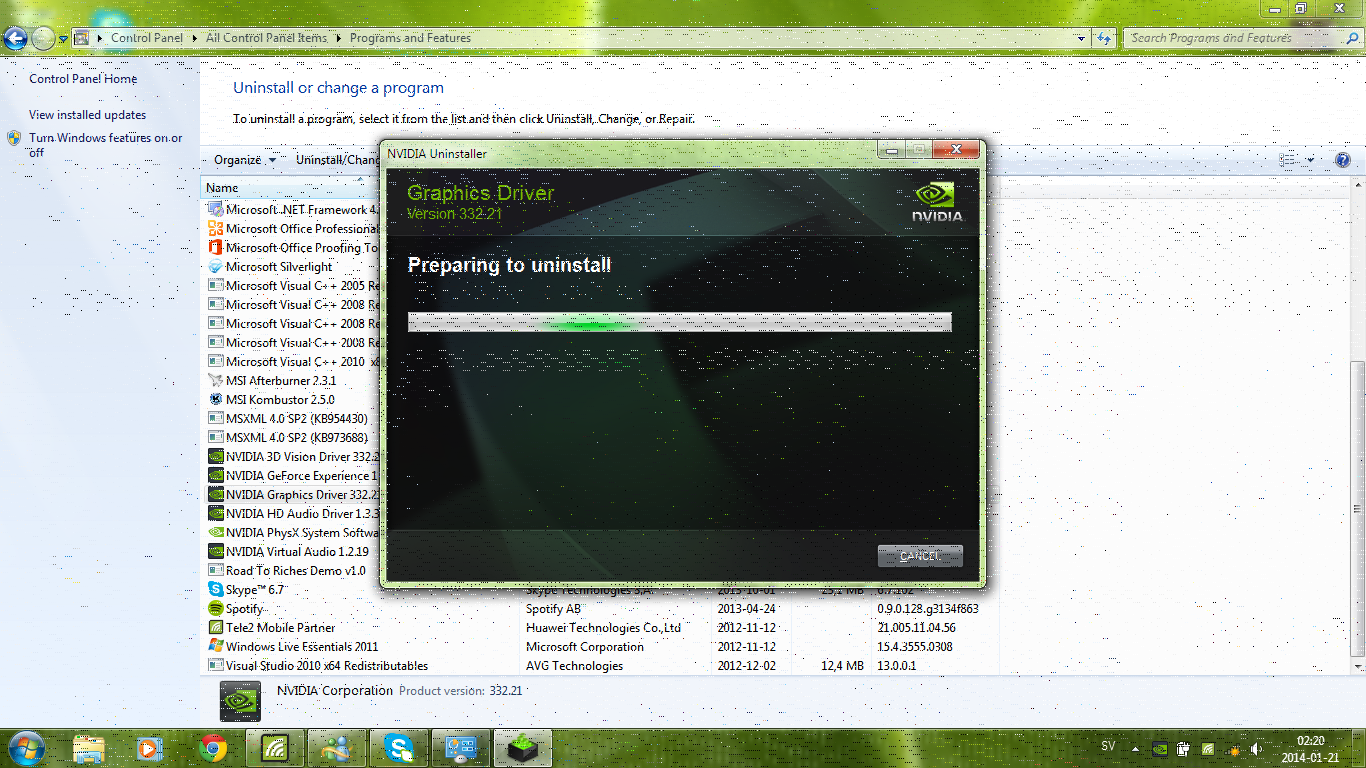
My girlfriend has an Acer Aspire 5741 laptop with a Nvidia GeForce GT320M video card. However, it displays some annoying artifacts when using any Nvidia drivers, even the Nvidia drivers provided via Windows Update. The operating system is the supplied Windows 7 Ultimate x64.
I would like to note that when on the login screen there are no artifacts. Uninstalling the Nvidia drivers and using the default generic VGA drivers there are no artifacts when in the OS either, however the resolution is limited to 1024x768 and native is 1366x768 so it is a bit stretched.
I've used the "clean install" option when installing Nvidia drivers and I've also used the Guru3D Display Driver Uninstaller in safe mode to remove left over drivers, but no success. There is no need to have full performance, but at least using the native resolution is wanted. The warranty is out also...
Have you backed up all important data? If so why not do this
REINSTALL
For installingI prefer a disk to be honest but if you want to try again this is the one tofollow CleanReinstall - Factory OEM Windows 7 make sureit is the right version ie Home Premium or Ultimate whatever you have a codefor and then the language and do not use the ones with a large "N" or"old" beside them.
You can use a disk or USB stick with this. then reinstall the driver at east it will not have all the bloatware on the machine.
The other thing that comes to mind is that the screen may be going south.
My Computer
Computer type
PC/Desktop
Computer Manufacturer/Model Number
Own build (new) Desk1 / Asus ROG Win 7 / Desk2 1st build
OS
Desk1 7 Home Prem / Desk2 10 Pro / Main lap Asus ROG 10 Pro 2 laptop Toshiba 7 Pro Asus P2520 7 & 10
One other Desktop (tester) and spare Toshba laptop both with SSD's
Running Kaspersky 2016 ISS on all machines config'd identically
Logitec audio stereo systems on each machine (x3)
Canon MG5250MFC
Router/modem TP-Link running WPA2SK
Have you backed up all important data? If so why not do this
REINSTALL
For installingI prefer a disk to be honest but if you want to try again this is the one tofollow CleanReinstall - Factory OEM Windows 7 make sureit is the right version ie Home Premium or Ultimate whatever you have a codefor and then the language and do not use the ones with a large "N" or"old" beside them.
You can use a disk or USB stick with this. then reinstall the driver at east it will not have all the bloatware on the machine.
The other thing that comes to mind is that the screen may be going south.
One other Desktop (tester) and spare Toshba laptop both with SSD's
Running Kaspersky 2016 ISS on all machines config'd identically
Logitec audio stereo systems on each machine (x3)
Canon MG5250MFC
Router/modem TP-Link running WPA2SK
That is your choice vieekk I was just stating that is what the N meant. I use WMP as I find it good enough for me and having to download and install it like we did on my brothers machine was tedious and unnecessary and in hindsight we should have checked it out beforehand.
It takes up very little space but like I said the choice is yours.
My Computer
Computer type
PC/Desktop
Computer Manufacturer/Model Number
Own build (new) Desk1 / Asus ROG Win 7 / Desk2 1st build
OS
Desk1 7 Home Prem / Desk2 10 Pro / Main lap Asus ROG 10 Pro 2 laptop Toshiba 7 Pro Asus P2520 7 & 10
One other Desktop (tester) and spare Toshba laptop both with SSD's
Running Kaspersky 2016 ISS on all machines config'd identically
Logitec audio stereo systems on each machine (x3)
Canon MG5250MFC
Router/modem TP-Link running WPA2SK