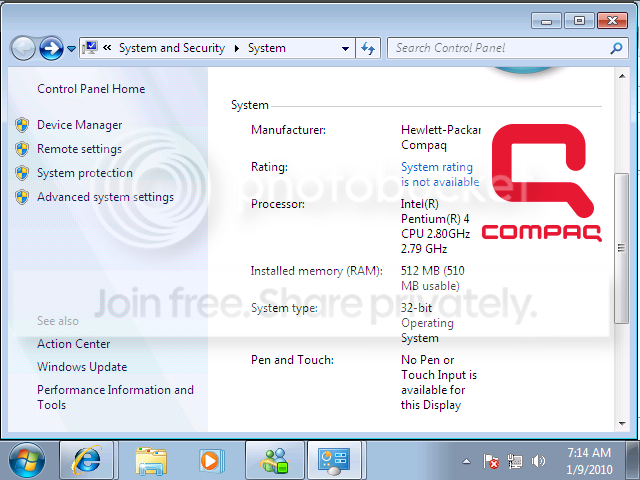
Ok, so i have a dell computer which was windows xp, and a compaq mv540 monitor because, my other dell monitor broke. Yesterday i decided to install windows 7 because my friends told me to do so and they bragged about how good it is. ok so after i installed it and everything was done, the desktop came up and everything looked fine. The resolution was a bit bigger so i decided to change. So I was going to change it to 1024 by 768 but when i did the color was all messed up and i noticed that the only high color was the 640 by 480 now. Also it doesn't give me an option on 32 bit, it just says 16 bit. I checked my graphics card and it was standard vga graphics card, nvidia said it was updated but i really want the 1024 by 768 with high color and 32 bit. So i need someones help to show me the correct driver for this.Also instead of dell, it says compaq, which i did not use a compaq computer, i just have the monitor. My dell computer is dimension 3000 by the way, and i can't find windows 7 drivers for it.
According to Dell the onboard graphics are made by Intel. Drivers for the onboard graphics can be downloaded here: Drivers & Downloads
However, your post suggest Nvidia, which might mean you have an added graphics card.
I would run a program to find out if you are using onboard or an added graphics card on your system, or if your up to it open your system up.
You could also try a program like Speccy from here : Piriform - Speccy
it might tell you what's inside. This, I suggest, should be your first port of call before upgrading anything with drivers.