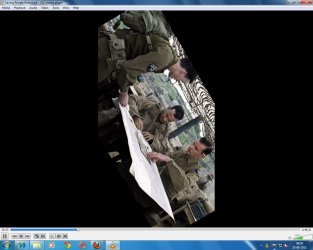
Wth is that... my friend this is new to me.
1. open up another video file and see if you get similar results. Please tell me how that goes.
2. try resetting vlc media players settings. To do so just go to Start then under all programs find "Videolan" Open that folder and choose "reset vlc media player preferences and cache. Give it 10-15 seconds then try opening the video to see if you get the screwed up viewing angle again. Tell me how this goes.
3. last but not least lets see if we can get WMP running. in the start menu search type "Turn Windows features on or off" open it then find "Media features. uncheck it, then restart the computer. Then once booted go back to turn windows features on or off and recheck media features then reboot and try to open the video file with Windows media player.
-sorry for long list and posting of instructions.
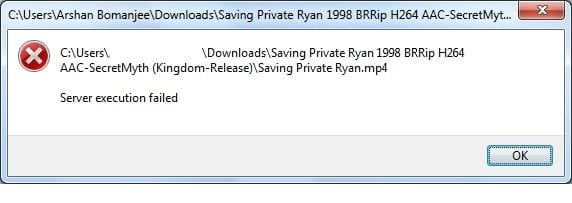


 Thanks for posting to seven forums, if your issue is fixed as you wish, please mark this thread as solved.