
I have four memory card readers integrated to my case. I use them seldom so it's great that they are invisible when nothing is plugged in. After my Windows downloaded some updates today and I rebooted they are all visible.
"Hide empty drives in the computer folder" is ticked and so is "Don't show hidden files, folders or drives"
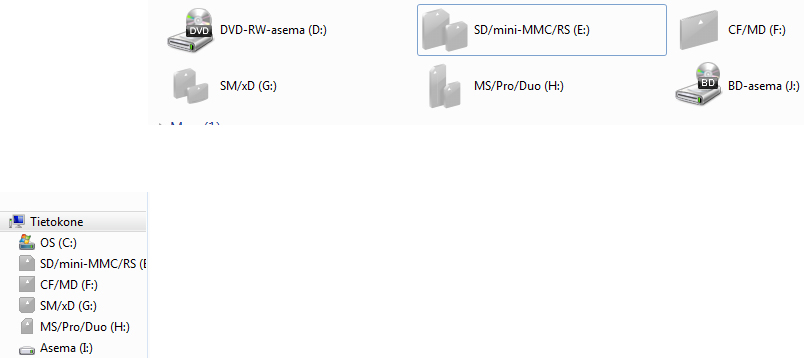
Here's a screenshot. The grey ones should not be visible.
"Hide empty drives in the computer folder" is ticked and so is "Don't show hidden files, folders or drives"
Here's a screenshot. The grey ones should not be visible.
Last edited by a moderator:
My Computer
- Computer type
- PC/Desktop
- OS
- Windows 7 Home Premium 64bit
