StealthHawk69
New member
- Local time
- 12:47 AM
- Messages
- 4
Ok so, I don't know how or why or when this happened but usually when you highlight something on your desktop in Vista or 7, it highlights as a light blue square but for some reason when I highlight my desktop in Windows 7, it shows the highlighting the way Windows XP shows it, which is just a grey dotted square with nothing inside of it. Screenshot is below. Is there a fix to this? I know it's not something major but I would like it back to normal so I can see what I highlight easier.
Please view the following image in full size so you can see what I'm talking about.

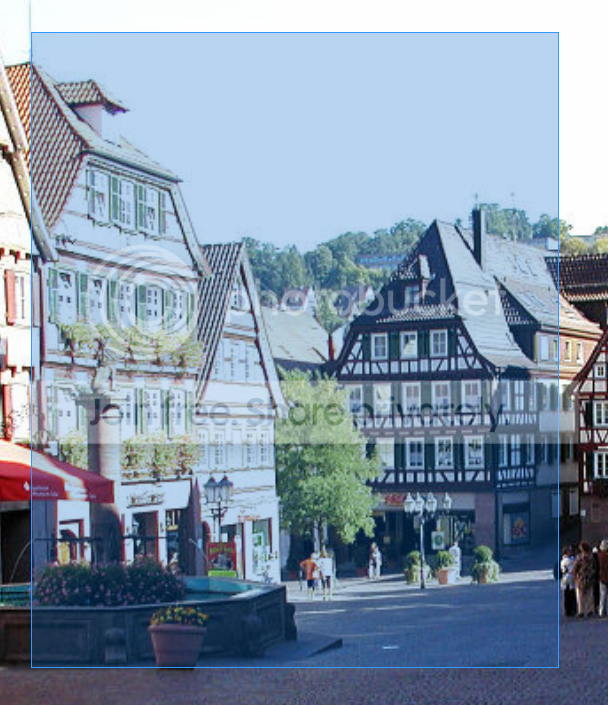
I want it like this:

Is there a way to get it back to normal? I've tried restarting, repairing, refreshing, etc. & so far nothing has worked.
Please view the following image in full size so you can see what I'm talking about.
I want it like this:
Is there a way to get it back to normal? I've tried restarting, repairing, refreshing, etc. & so far nothing has worked.
My Computer
- OS
- Windows 7 Ultimate 64-bit Edition