
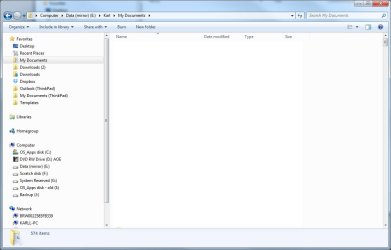
Somehow, my Downloads file folder display format has changed to what you'd expect for music (see Explor1.jpg, attached), and I can't change it back, no matter what setting I select in the Change View dropdown. I used to be able to set it to anything in the dropdown, like "Details" (as in Xplor2.jpg). How can I unlock the format? Thanks.
Attachments

My Computer
At a glance
Windows 7 Pro x64Intel i7-97012GBNvidia Quadro 4000
- Computer Manufacturer/Model Number
- Titanus
- OS
- Windows 7 Pro x64
- CPU
- Intel i7-970
- Motherboard
- Asus P-6X58D-E
- Memory
- 12GB
- Graphics Card(s)
- Nvidia Quadro 4000
- Sound Card
- Creative SB X-Fi
- Monitor(s) Displays
- Samsung SyncMaster 204T
- Hard Drives
- Corsair Nova V128 128GB SSD; WD Velociraptor 600GB (x2 configured as RAID 1)
- Case
- Tuniq 3
- Cooling
- ECO Advanced Liquid Cooling
- Internet Speed
- Cable


