SuJunioR
New member
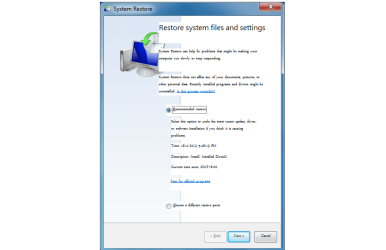
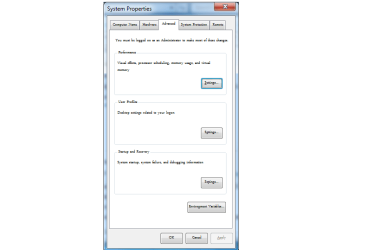
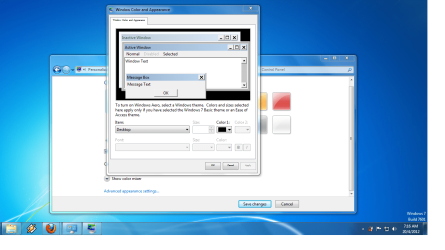
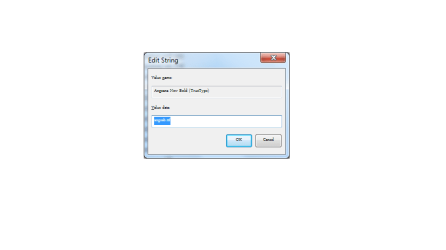
After a recent windows update, my browser displays weird fonts such as overlapping and blur. So I restored my laptop to a previous back up. The problem was solved but then the fonts got smaller. It didn't just affect my browser, it affected my whole laptop, even video games. So how do I undo this because I even tried to restore my laptop to the most earliest restore point in my laptop but the problem still persists.. Is there any way I can restore the default setting of the fonts without having to use the system backup and restore? Is there a program or software for this? And please don't give me solutions like changing font size DPI or using screen resolutions cause I've tried that like a million times already. Even using the advance settings of from the windows color option doesn't help. I've put up some screenshots so you guys can see what my problem is.
My Computer
At a glance
Windows 7 Home Premium 64-bitIntel Pentium B950, 2.1Ghz2GBNvidia Geforce GT520M 1GB
- Computer Manufacturer/Model Number
- ASUSTeK Computer Inc.
- OS
- Windows 7 Home Premium 64-bit
- CPU
- Intel Pentium B950, 2.1Ghz
- Motherboard
- Asus K43SJ
- Memory
- 2GB
- Graphics Card(s)
- Nvidia Geforce GT520M 1GB
- Screen Resolution
- 1366x768
- Hard Drives
- 500GB