I recently upgraded to win7 from XP on my work computer.
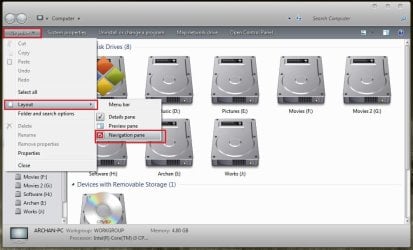
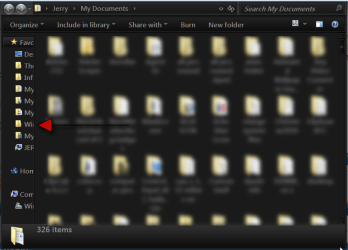
One big issue I have is now every folder contains this side bar (favorites, libraries, etc). I need to have two folders always visible/open on the right side of my screen... The problem is, these side bars are taking way too much space. How can I disable the side bar in those folders?
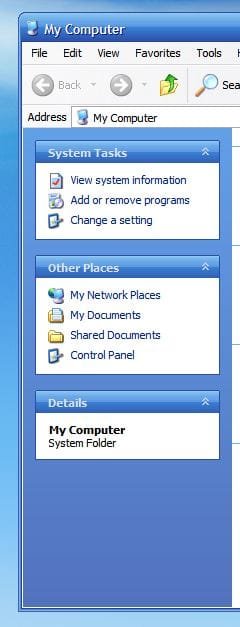
If needed, I will gladly go back to the convinient XP style if that is my only choice (no side bar, with a "favorite menu link".
It seems like Microsoft did a critial error and forgot to include such a vital and handy option in its latest OS.
One big issue I have is now every folder contains this side bar (favorites, libraries, etc). I need to have two folders always visible/open on the right side of my screen... The problem is, these side bars are taking way too much space. How can I disable the side bar in those folders?
If needed, I will gladly go back to the convinient XP style if that is my only choice (no side bar, with a "favorite menu link".
It seems like Microsoft did a critial error and forgot to include such a vital and handy option in its latest OS.
My Computer
At a glance
Windows 7 Pro 64 bit
- OS
- Windows 7 Pro 64 bit