bernard New member Local time 7:52 AM Messages 21 Location France Jan 20, 2011 #1 Hi. I reinstalled XP so there's no boot menu where I chose OS to run (XP or 7 from VHD) now. How to add this VHD to boot menu? My Computer My Computer At a glance 7 SP1 / 8OS7 SP1 / 8
Hi. I reinstalled XP so there's no boot menu where I chose OS to run (XP or 7 from VHD) now. How to add this VHD to boot menu?
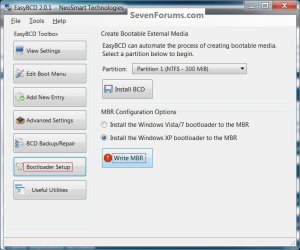
Bare Foot Kid R.I.P. August 13th 2014 SF Team Local time 8:52 AM Messages 22,809 Location The Lowcountry Jan 20, 2011 #2 Hello bernard. It looks like it may be possible to get EasyBCD to do that, give it a go and please keep me informed how it sorts out for future reference. EasyBCD Free Boot Manager Software click to install My Computer My Computer At a glance W 7 64-bit UltimateIntel Q9550 Yorkfield8GB Dominator 8500C5DATI : XFX 5870Computer Manufacturer/Model Number* BFK Customs *OSW 7 64-bit UltimateCPUIntel Q9550 YorkfieldMotherboardASUS P5Q ProMemory8GB Dominator 8500C5DGraphics Card(s)ATI : XFX 5870Sound CardRealtek HD Audio 7-1Monitor(s) Displays1x 47" LCD HDMI & 3x 26" LCD HDMIScreen Resolution1920x1080P & 1920x1200Hard Drives1x 80GB Intel X25-M G2 SSD : 1x 500GB & 1x 640GB WD Caviar Black(s)PSUCorsair 620HXCaseCooler Master RC-690CoolingTuniq Tower 120, 2x 140mm and 3x 120mm case fansKeyboardMicrosoft 500MouseRazer Diamondback 3GInternet Speed14 Mb/sOther Info1x Koutech 3Gb/s SATA HDD Hot Swap Rack
Hello bernard. It looks like it may be possible to get EasyBCD to do that, give it a go and please keep me informed how it sorts out for future reference. EasyBCD Free Boot Manager Software click to install