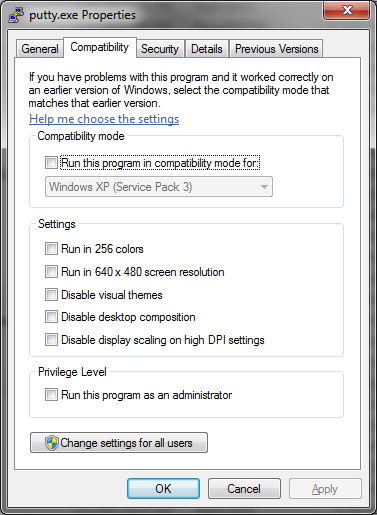
I have an old JVC camcorder that isn't even officially supported any more as JVC doesn't have a link for drivers. I found the old drivers on a 3rd party driver webpage, but they fail to install properly via the .exe. When I try to semi-manually install the drivers through windows troubleshooter/driver updater it cant find a driver online, or on my computer. When I try to manually add a .inf file, it says this driver wasn't written for x64 computers (or something to that effect). The drivers included are for win98, winme, and win2k. Is there any way to install the drivers so that I can get all my home movies off my MiniDV and finally throw this thing away?
Thanks in advance.
Thanks in advance.
My Computer
At a glance
win 7 ultimate 64i7 9206GBATI 5870
- OS
- win 7 ultimate 64
- CPU
- i7 920
- Motherboard
- evga x58
- Memory
- 6GB
- Graphics Card(s)
- ATI 5870
- Monitor(s) Displays
- Samsung 226BW
- Hard Drives
- 1 TB