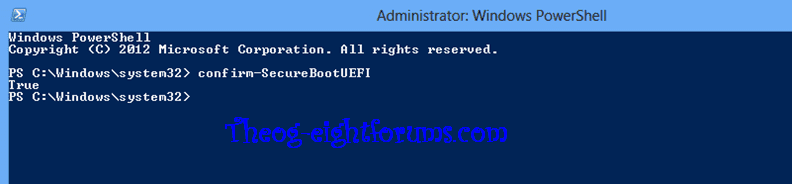
I've read thru the threads that tell how to install Win 8 on a Win 7 system, but I have a new HP that came with Win 8 on it I need to downgrade (Win 8 SUCKS) a bit so it can dual boot. There seems to be NO way to do this apart from creating an image of the Win 8 system, then installing Win 7 (after dancing with the secureboot settings); is this correct? ( Losing 2 days doing this nonsense!!!!) Also, my 2 Win 7 disks hang during boot (have checked them both for integrity, both good); (System is a HP Parviloin g6, which has drivers for Win 7 on the Website, so I assume it can/does run Win 7). HELP please 
My Computer
At a glance
Windows 7Dual Core3 GigMobile Intel® 4 Series Express Chipset Family
- Computer Manufacturer/Model Number
- HP G50-133US
- OS
- Windows 7
- CPU
- Dual Core
- Motherboard
- Winston Board 0.951
- Memory
- 3 Gig
- Graphics Card(s)
- Mobile Intel® 4 Series Express Chipset Family
- Sound Card
- Conexant High Defintion Smart Audio
- Monitor(s) Displays
- LCD
- Screen Resolution
- 1280 x 800
- Hard Drives
- ST9250827AS ATA Drive
- Mouse
- Logitech Optical
- Internet Speed
- DSL