Internet Lagging Big Time

ratty

New member
Local time
5:45 AM
Messages
19
hi there
im not sure if this is where i can ask but here goes.
I have recently started playing my xbox 360 online. And i have been getting really bad lag.
My Interenet connection is fine i think. I use a 10meter long ethernat cord to run to the xbox. So its hard wired not wireless. I have not gone over my Interent Usage so that wont be slowing it down.

any ideas would be great
cheers
 

My Computer

OS
>>????>>>
Try rebooting your Router. Power it down wait 2 min or so, then power it back up. Sometimes the line can go out of sync.

Once its back up do a speed check Speedtest.net - The Global Broadband Speed Test

There could be other issues but this is a good place to start. ;)
 

My Computer

Computer type
PC/Desktop
Computer Manufacturer/Model Number
Self Built
OS
Windows 7 Ultimate 64bit
CPU
AMD Phenom Quad core 9950 black edition
Motherboard
Gigabyte
Memory
16Gb
Graphics Card(s)
2x XFX Radeon 5850
Sound Card
PCI Express X-Fi Titanium / Logitech G35
Monitor(s) Displays
2x HP 2410i
Screen Resolution
1920x1080
Hard Drives
2x 500Gb Seagate
1x 300Gb Seagate
1x 1Tb Seagate
2x 1Tb Hitatchi
PSU
Jean Tech Storm 700W
Case
Cooler Master COSMOS S
Cooling
Akasa Evo Blue Pro
Keyboard
Logitech G15
Mouse
Mad Catz M.M.O. 7
Internet Speed
12mb
Try rebooting your Router. Power it down wait 2 min or so, then power it back up. Sometimes the line can go out of sync.

Once its back up do a speed check Speedtest.net - The Global Broadband Speed Test

There could be other issues but this is a good place to start. ;)
i have tried the router re boot a few times still no help.
what will the speedtest.net do and how do i use it?
 

My Computer

OS
>>????>>>
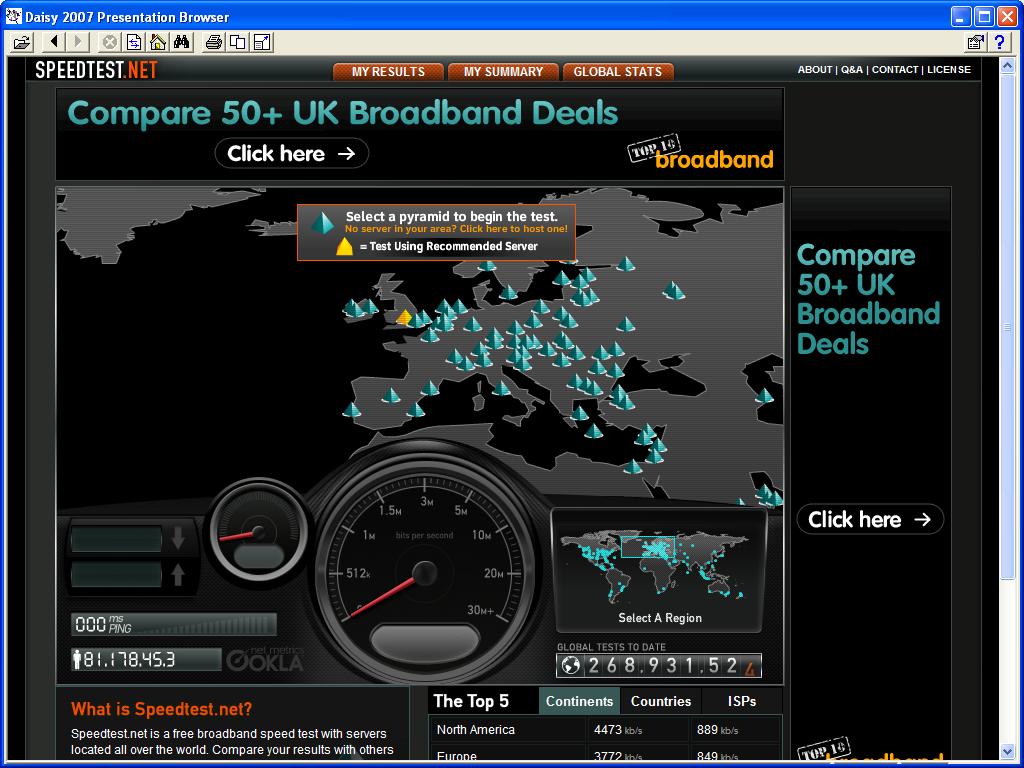
Speedtest checks the speed of your internet connection. Just click "begin test" at the top

SpeedTest1.jpg
 

My Computer

Computer type
PC/Desktop
Computer Manufacturer/Model Number
Self Built
OS
Windows 7 Ultimate 64bit
CPU
AMD Phenom Quad core 9950 black edition
Motherboard
Gigabyte
Memory
16Gb
Graphics Card(s)
2x XFX Radeon 5850
Sound Card
PCI Express X-Fi Titanium / Logitech G35
Monitor(s) Displays
2x HP 2410i
Screen Resolution
1920x1080
Hard Drives
2x 500Gb Seagate
1x 300Gb Seagate
1x 1Tb Seagate
2x 1Tb Hitatchi
PSU
Jean Tech Storm 700W
Case
Cooler Master COSMOS S
Cooling
Akasa Evo Blue Pro
Keyboard
Logitech G15
Mouse
Mad Catz M.M.O. 7
Internet Speed
12mb
Speedtest checks the speed of your internet connection. Just click "begin test" at the top

SpeedTest1.jpg
it says my internet is to slow it says? :(
what should i be looking at if i upgrade as i dont think i can get adsl2 in my area!
 

My Computer

OS
>>????>>>
Try testing with tracert and/or ping commands in Command Prompt. It might provide a clue as to the source of the problem. You might also try using a different DNS server.
 

My Computer

Computer Manufacturer/Model Number
DIY
OS
W7x64 Pro, SuSe 12.1/** W7 x64 Pro, XP MCE
CPU
Phenom II 1090T w/Noctua NH-D14 /**4400+ X2 w/CM Hyper TX 3
Motherboard
ASRock 890FX Deluxe 4/**A8N-SLI
Memory
2 x 2GB Patriot PGS34g1600LLKA/**4x1GB Corsair VS
Graphics Card(s)
EVGA GTX460 SC/**EVGA 8800GTS
Sound Card
Asus Xonar D2X/**Xonar D1
Monitor(s) Displays
Acer X233H, Dell E152FPc /**LG M237-WD
Screen Resolution
1920x1080 & 1024x768/**1980x1080
Hard Drives
WDC 2TB, 1.5TB, 1TB, 500GB,Seagate 500GB , Maxtor 80GB /**500GB Seagate & WDC 1TB Black
PSU
CM RS600 w/ APC BX1000G/**Antec 500 TP w/ APC BX1000
Case
HAF922/**Antec 1040IIB
Cooling
3x200mm, 1x140 and 1x120mm/**5x80mm fans
Keyboard
Logitech Media USB/**Saitek Eclipse
Mouse
Cordless Trackman Wheel/**Ditto
Internet Speed
3.3Mbps
Other Info
SB 560 5.1 w/ Sennheiser RS140/**Creative T20 speakers, Dvico FusionHDTV7 Gold RT, Cisco E3000, HP 5510V AIO, Linksys E3000, Belkin F5U237 hub and **F5D8055 adapter
(** = 2nd rig)
Back
Top