
ProdigyRep
New member
- Local time
- 2:14 AM
- Messages
- 2
So everything was running fine on my laptop until Saturday evening, I got a Blue Screen of Death and then the computer wouldn't boot saying I needed to remove all external hardware I had attached, but I didn't have any attached... After fiddling around for a bit I managed to boot the laptop, but I then received the BSOD again. Countless times of reboots and nothing, just stuck on a blank black screen after the startup TOSHIBA screen.
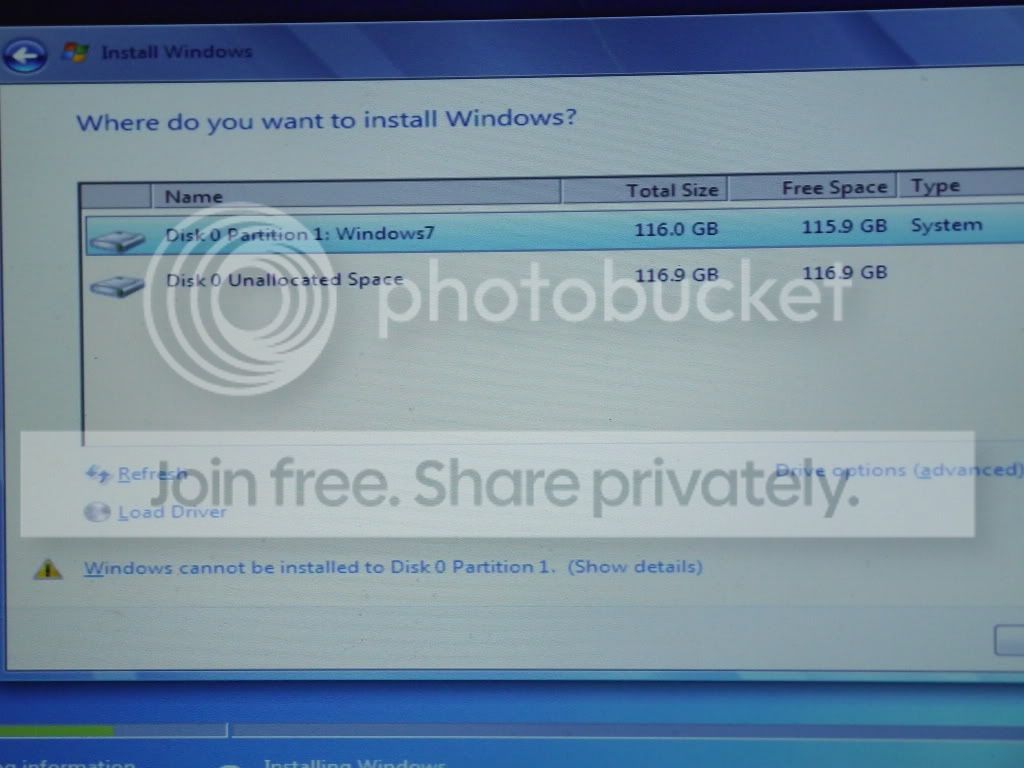
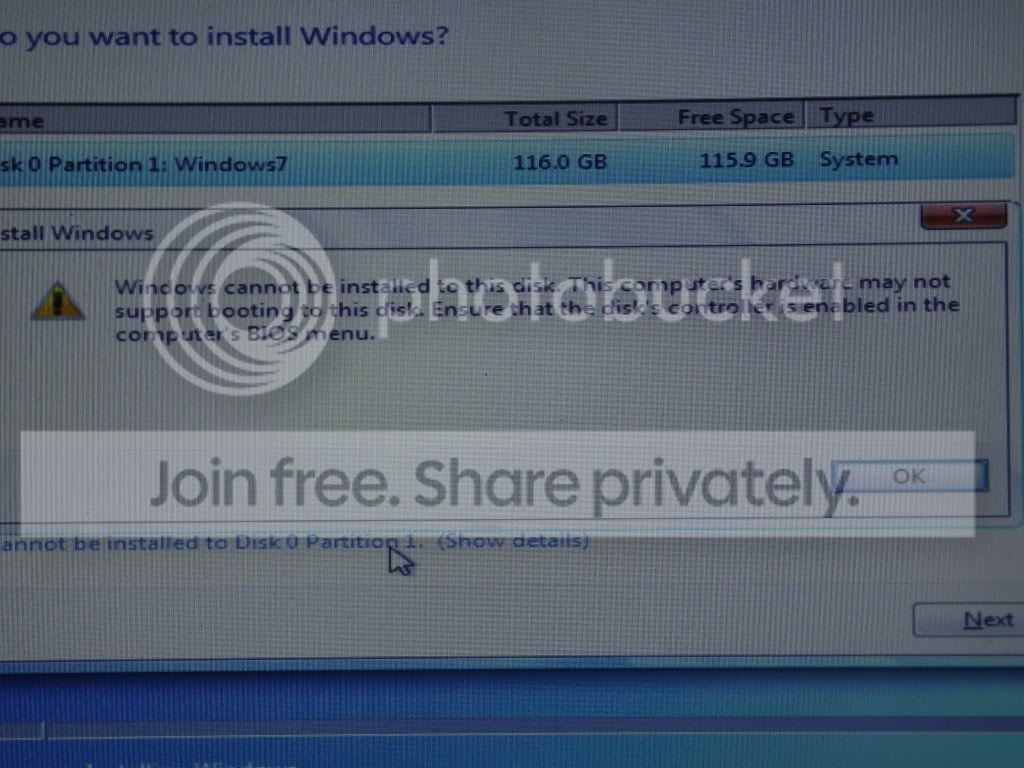
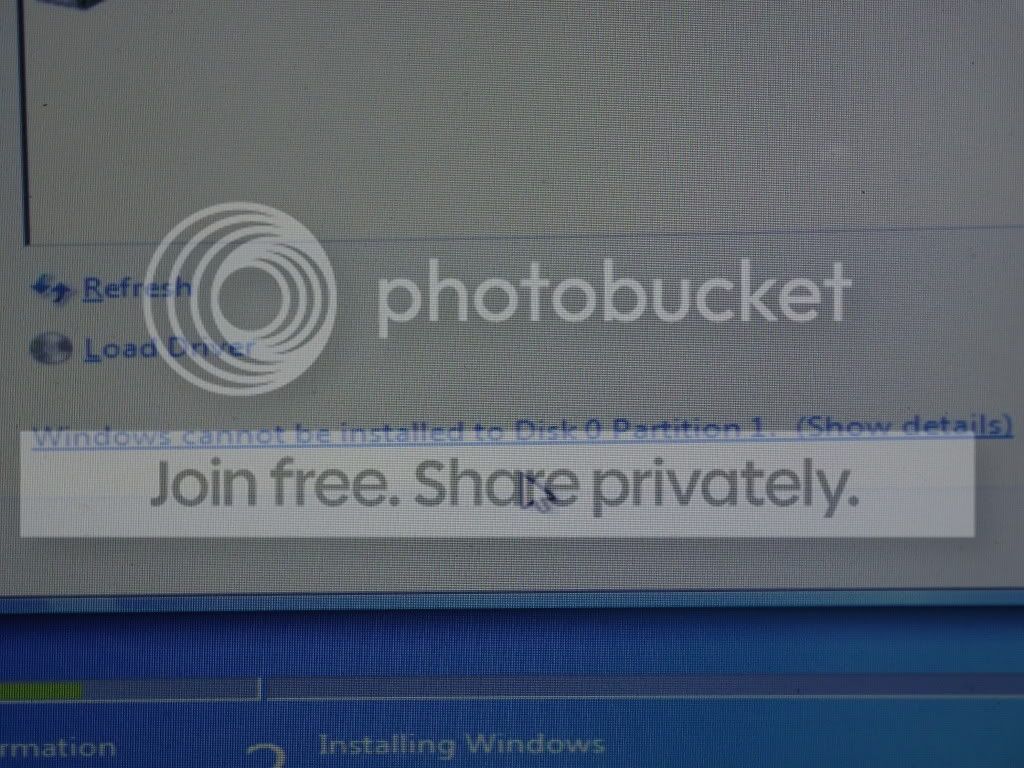
I decided the best way to solve the problem was by doing a clean install but this so far has been to no avail. I formatted the drive and also tried the clean all step in the cmd window but still nothing. I get the same errors setup was unable to create a new system partition or locate an existing system partition, or "The computer's hardware may not support booting to this disk. Ensure that the disk's controller is enabled on the bios menu"
I've no idea what to do!


I decided the best way to solve the problem was by doing a clean install but this so far has been to no avail. I formatted the drive and also tried the clean all step in the cmd window but still nothing. I get the same errors setup was unable to create a new system partition or locate an existing system partition, or "The computer's hardware may not support booting to this disk. Ensure that the disk's controller is enabled on the bios menu"
I've no idea what to do!
My Computer
- OS
- Windows 7 - None At The Moment!

