I never meant to be rude. But when I ask you several questions and you do not answer them, how am I supposed to help you?
If you do not know, say so. Everyone has different knowledge in different areas. No one can ever be an expert in all things. But saying nothing does not help me as it looks like you are avoiding the questions.
I did not threaten you. I asked you to respond to the questions asked. That is all. There are many people from diffrent countries on these forums. Some people see things as rude where others do not. I apologize if it was taken wrong or out of context. It was not my intention.
Now on to the issue at hand:
1.) You said you did steps 1-4. That is great. And you followed all steps and removed everything found correct?
2.) Might I suggest you do step 5 to remove the annoying question in internet explorer that was in this guide:
Remove "This content requires Media Player 12.2 Update" virus (Removal Guide)
i do not see the emblem you ask me to click on twice .other than that i think i have done everything else correct.
3.) Can you expand what you mean here? Can you show a screenshot or explain further on this point?
4.) As for the continuing issues in internet explorer, I want to try an internet explorer reset.
Warning
Doing the following will reset internet explorer, and will lose all saved passwords and settings
Tutorial for visual walkthrough:
http://www.sevenforums.com/tutorials/1222-internet-explorer-reset.html
Worded steps:
Open

rb: Control panel. - Network and internet. - internet options - advanced - Reset - Check the box to delete personal settings - Click reset. Click ok. Restart the PC.
Open internet explorer. How does it act now?
5.) Your logs indicate you have avg antivirus installed,
Code:
Yes HKLM:Run AVG_UI AVG Technologies CZ, s.r.o. "C:\Program Files (x86)\AVG\AVG2014\avgui.exe" /TRAYONLY
not Microsoft security essentials. Please look in programs and features under control panel and uninstall ether avg or Microsoft security essentials. Having 2 antiviruses is not good. They cause conflicts.
If you do not see avg listed in installed programs, we can try the
avg uninstaller tool.
This program might be the cause of internet explorer issues:
Code:
Yes HKCU:Run IE New Window Maximizer jiiSoft C:\Program Files (x86)\IE New Window Maximizer\iemaximizer.exe
Look for iemaximizer in your programs and features uninstall a program section found in control panel and uninstall it if you discover it.
While in uninstall a program found in control panel, remove anything related to PC Cleaners.
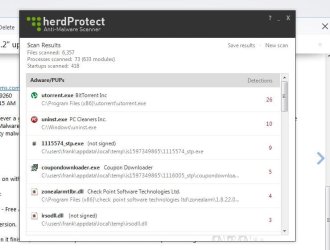
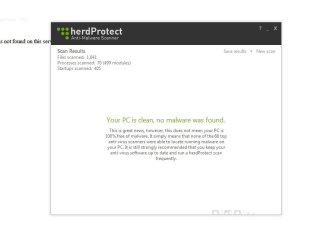
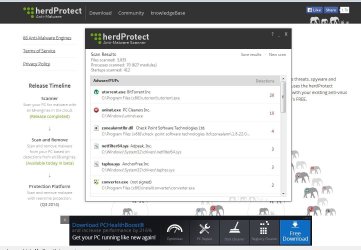
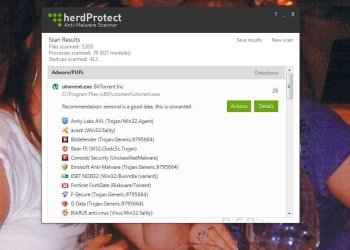
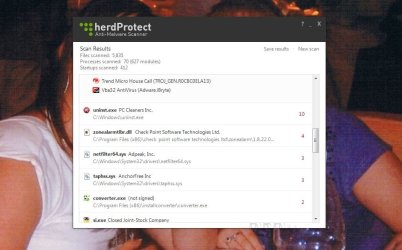
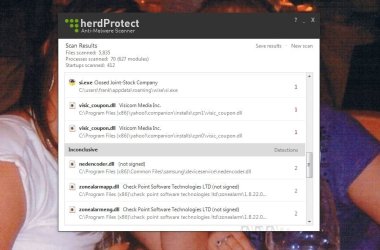
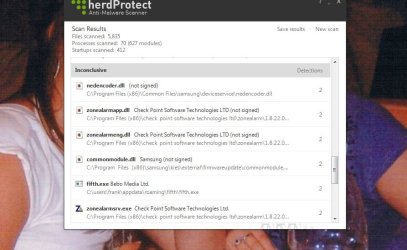
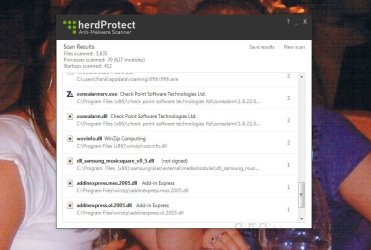
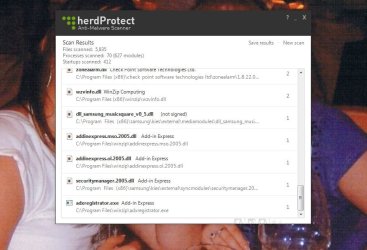
6.) In herd protect log, the following items need to be removed. Rerun the scan with herdprotect, and remove the following items from the list. Click the items if present, then click action-remove.
-activerisantimalware.exe
-netfilter64.sys
-taphss.sys
-fifth.exe
-1115574_stp.exe
-irsodll.dll