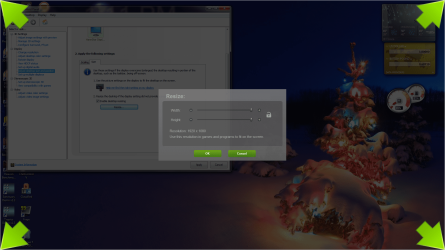
After connecting my new hdmi cable the resolution has been off. It's currently at 1920 x 1080 but is slightly too large for my monitor. Its cutting all the icons pinned to the task bar in half. When I try to customize the resolution in the NVIDIA Control Panel it says the custom resolution is not supported by my display even when I don't actually change any of the numbers.
Does anyone know how I can change my resolution to fit my monitor exactly? Thank you.
Does anyone know how I can change my resolution to fit my monitor exactly? Thank you.
My Computer
- Computer type
- PC/Desktop
- Computer Manufacturer/Model Number
- custom build
- OS
- 64-bit Windows 7 Ultimate
- Graphics Card(s)
- EVGA Geforce GTX 650