Hello,
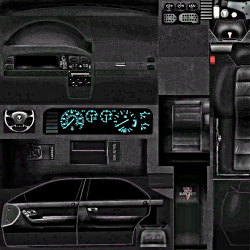
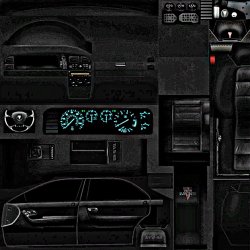
I am looking to double the size of various images similar to this:
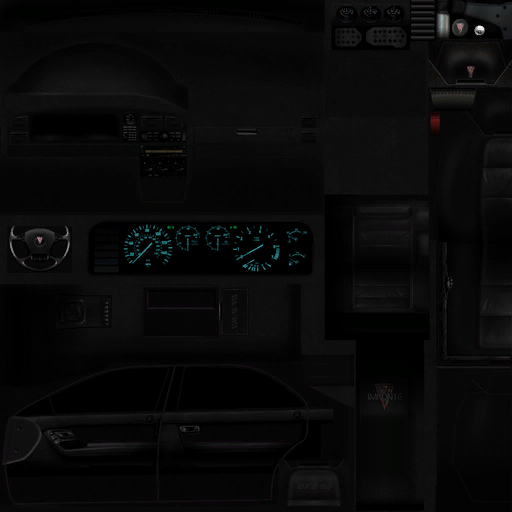
As you can see it's not a real-life photo, so amount of colors used will probably be less.
What is the most effective way to increase the size of an image like this while maintaining as much quality as possible? CS6 has a feature when using "image resize" that is meant for enlargement. While not bad, I was hoping there are some other things I can do to the image to restore more of that crisp feel, as obviously doubling the image size gives some blurriness.
I'm realistic so I don't expect this will look perfect or close to, as good as possible is good with me =).
Thanks!
I am looking to double the size of various images similar to this:
As you can see it's not a real-life photo, so amount of colors used will probably be less.
What is the most effective way to increase the size of an image like this while maintaining as much quality as possible? CS6 has a feature when using "image resize" that is meant for enlargement. While not bad, I was hoping there are some other things I can do to the image to restore more of that crisp feel, as obviously doubling the image size gives some blurriness.
I'm realistic so I don't expect this will look perfect or close to, as good as possible is good with me =).
Thanks!
My Computer
At a glance
Windows 7 Ultimate x64i7-2600k8GB 1600MHZZotac NVIDIA GTX 580 1.5GB
- OS
- Windows 7 Ultimate x64
- CPU
- i7-2600k
- Motherboard
- ASUS P8Z68 V-PRO
- Memory
- 8GB 1600MHZ
- Graphics Card(s)
- Zotac NVIDIA GTX 580 1.5GB
- Hard Drives
- Intel 510 120GB SSD
Samsung Spinpoint HE103SJ HDD
- PSU
- NZXT HALE90 1000W PSU
- Case
- HAF-922
- Cooling
- Hyper 212