
I have a4-tech usb mouse. It was working nice for many month. Now it randomly stops responding lsay freezing and then totally stops. Everytime it does it in this manner.
I know one thing that makes it work, i unplug my laptop's power and the mouse is back to work.. But this means i can only use it on battery and then when i charge my laptop, mouse stops responding periodically (like usb is being disconnected and connected again) and then just totally stops. This is when i don't see "HID Compliant Mouse" in device manager and "USB optical Mouse" in device and printers.
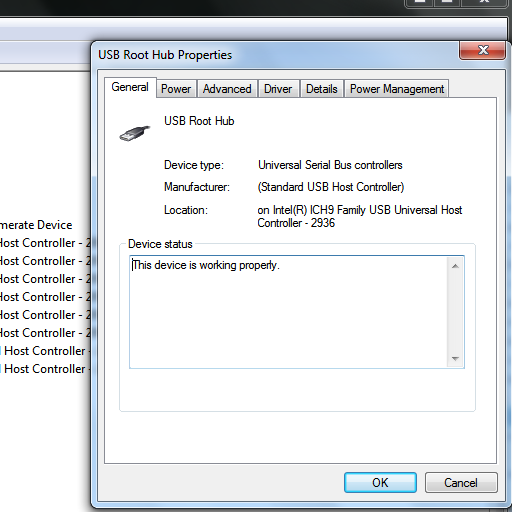
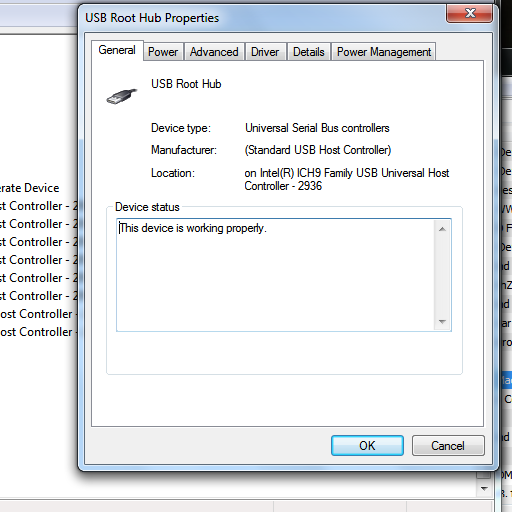
I searched for online solution, they said to "uncheck the Allow the computer to turn off this device to save power" in Power Management < Properties < Usb Root Hub < Universal Serial Bus Controllers < Device Manager.. I did that but no help
edit:
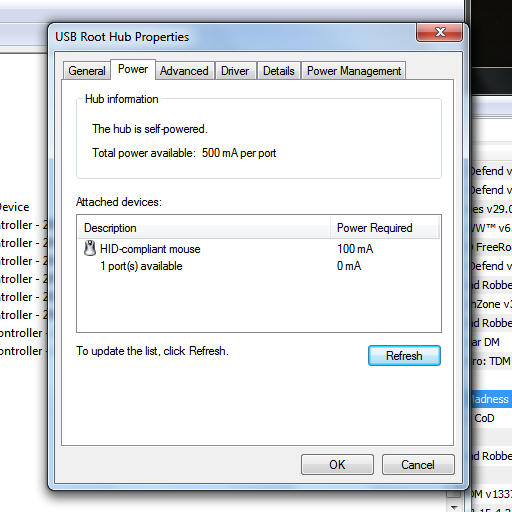

I know one thing that makes it work, i unplug my laptop's power and the mouse is back to work.. But this means i can only use it on battery and then when i charge my laptop, mouse stops responding periodically (like usb is being disconnected and connected again) and then just totally stops. This is when i don't see "HID Compliant Mouse" in device manager and "USB optical Mouse" in device and printers.
I searched for online solution, they said to "uncheck the Allow the computer to turn off this device to save power" in Power Management < Properties < Usb Root Hub < Universal Serial Bus Controllers < Device Manager.. I did that but no help
edit:
Last edited:
My Computer
- Computer type
- Laptop
- Computer Manufacturer/Model Number
- HP
- OS
- Windows 7 Ultimate 32 bit
- CPU
- P8600
- Memory
- 2
- Graphics Card(s)
- AMD Radeon Mobility 3400
- Hard Drives
- 160
- Antivirus
- Microsoft Security Essentials
- Browser
- Chrome
