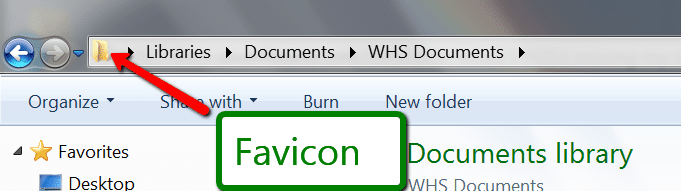
I have just reinstalled Windows 7 home premium. I have 2 HDDs C and D Windows is on C and my documents and downloads folders are on D. Before the reinstall i had a desktop icon for My Documents on the desktop and that linked to the my documents folder on the D
Now it no longer works so I am trying to put a my Documents Icon on the desktop and then get windows to use the my Documents folder on D again. Not the default location it has now on the C Drive.
How do i do it ?
Now it no longer works so I am trying to put a my Documents Icon on the desktop and then get windows to use the my Documents folder on D again. Not the default location it has now on the C Drive.
How do i do it ?
My Computer
- Computer type
- PC/Desktop
- Computer Manufacturer/Model Number
- home build
- OS
- windows 7 home premium 32 bit
- CPU
- AMD FX4100
- Motherboard
- Asus
- Memory
- 2 GB
- Antivirus
- AVG
- Browser
- Firefox