In your first post, you stated:
"
disabled everything I could find, but it still turns itself on nightly"
Does this mean that you turned the computer off before leaving work?
Or do you just let the computer go to sleep after a period of inactivity?
If you let it go to sleep, then maybe the info below will help.
If you turn it off, I'm not sure if the commands below will report anything useful.
According to this website...
Powercfg Command-Line Options
...this command:
...might tell you:
Reports information about the event that woke the computer from the last sleep transition.
I realize that you have already look into wake on lan, but this command...
Code:
powercfg -devicequery wake_armed
...might still be worth running.
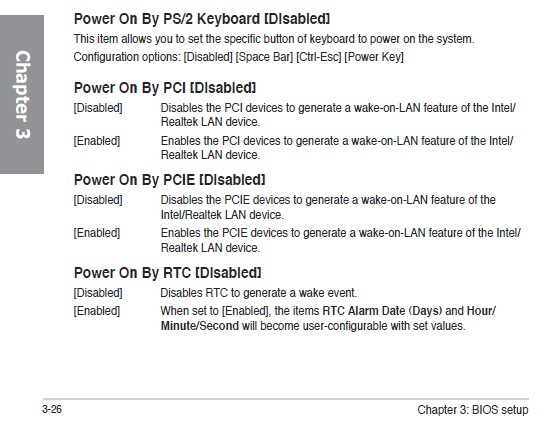
You might also look around in BIOS for settings that wake the computer. I have several computers at the office that are set to turn themselves on each night or after power has been restored. Some retail motherboards do not have BIOS settings that support such power on options.