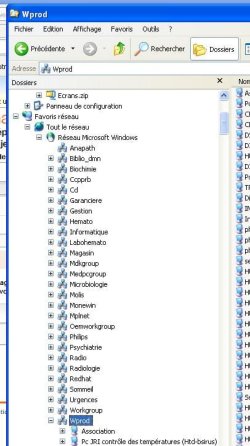
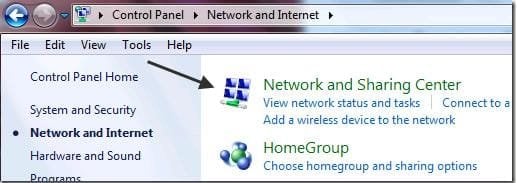
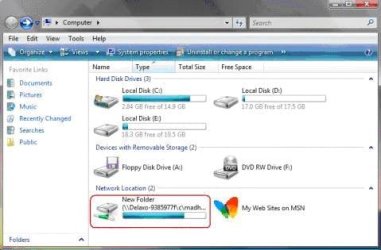
1) Open Windows Explorer by double clicking on the Computer icon on the Desktop. [FONT="]
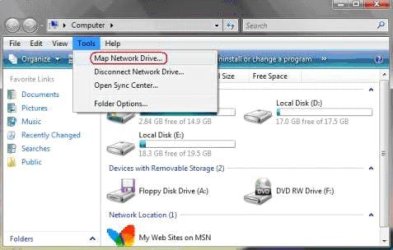
2) Click on Tools menu and select Map Network Drive… option as shown above
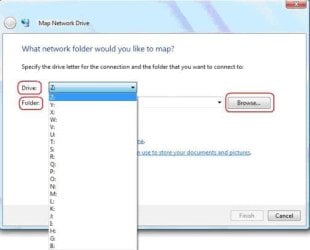
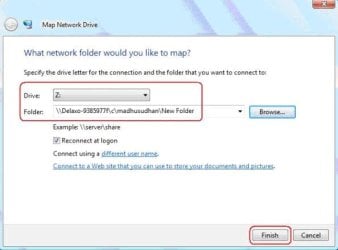
[/FONT][FONT="]3) In the Map Network Drive window select the drive letter from the dropdown list adjacent to Drive as shown below
[/FONT]
[FONT="]
4) Now either type the name of the location of the folder to be mapped or click on Browse button and select the folder to be mapped as highlighted above
[/FONT] [FONT="] 5) In the Browse for Folder dialog box navigate to the folder to be mapped and press OK
[/FONT] [FONT="]
6) Click Finish button in the Map Network Drive window
[/FONT] [FONT="]
Hope can help !!..
if you have problem you can ask me or other