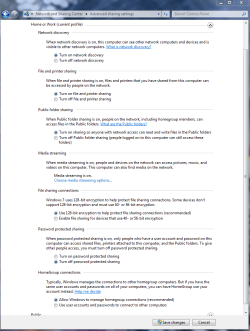
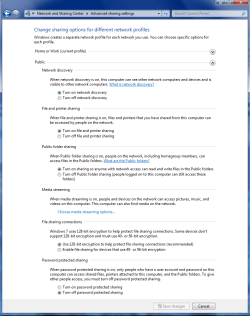
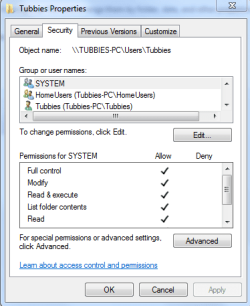
From the title itself thats the error messages I received when I try to access a computer from the network places.
But before that I'll gave you details. we have to machine installed windows 7 but one is a 64bit while the other one is only a 32bit. We create a homegroup from the 64bit and make the 32bit joined to that group.
On the network places we can see the shared pc's on both machines. On the 64bit, I can access the 32bit machine and it's shared folders and printers. But when I try to access the 64bit from the 32bit, no success. Access denied.
Here's what I did so far:
1. Tried connecting using the shared name and the ip address of the 64, same results.
2. Create an identical user on both machines, same results.
Can somebody tell me what to do.
But before that I'll gave you details. we have to machine installed windows 7 but one is a 64bit while the other one is only a 32bit. We create a homegroup from the 64bit and make the 32bit joined to that group.
On the network places we can see the shared pc's on both machines. On the 64bit, I can access the 32bit machine and it's shared folders and printers. But when I try to access the 64bit from the 32bit, no success. Access denied.
Here's what I did so far:
1. Tried connecting using the shared name and the ip address of the 64, same results.
2. Create an identical user on both machines, same results.
Can somebody tell me what to do.
My Computer
- OS
- windows 7 ultimate 32 bit