re: reply. Cant put shortcuts icons on desktop
Thanks for the reply. Here are the details.
OK, whenever I want to put a shortcut/link to a website, or maybe a folder containing several shortcuts, I have always been able to right click on my desktop, a menu opens, I click "new", another menu opens, I typically click on either "shortcut" or "folder". I'm prompted to enter the location (URL or windows location) then I enter the name I'd like to call the shortcut. Instantly a new icon appears on the desktop. As long as I can remember, a generic Chrome Logo icon with a shortcut arrow on it appears on the desktop, with the name I selected beneath it. I could simply double click the icon, and it opened the browser and took me straight to the web page.
Simple enough, right?
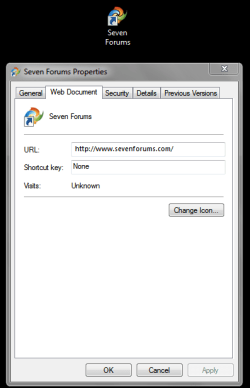
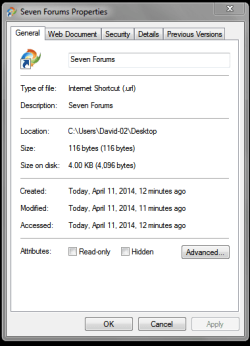
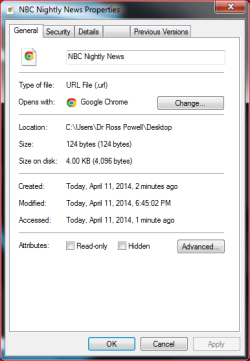
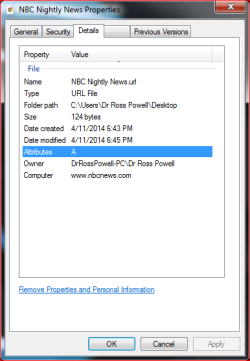
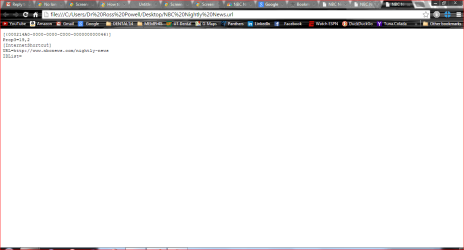
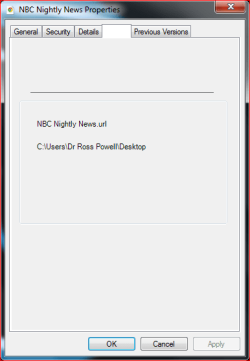
But as of a few weeks ago, if I try to add a shortcut to a web page on the desktop, I go through the identical steps, and a similar icon appears. But two things are different: The icon itself is much smaller, and when you double click on it to go to the web page, it doesn't take you to the web at all, or open the browser. All that happens is a window appears with some brief text detail about the URL. No error messages. It opens as if that was what I wanted. I've done this for 20 years or so, so it isn't new to me. The process just no longer works properly. Chrome can't help. Windows won't respond.
Does that clarify? Can you help?