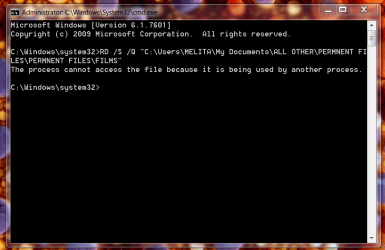
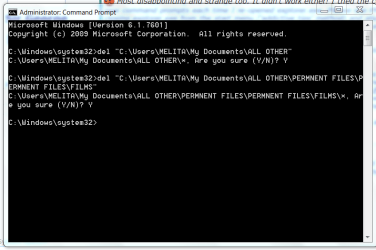
Most disappointing and strange too. It didn't work either! I tried the complete procedure 3 times, with new command prompts each time I re-opened explorer.exe. Please see PNG-5 of my last attempt. I tried closing explorer.exe from the start menu ('addictive tips' method) and also from the task manager. Had the process explorer also open. Both these showed the explorer.exe closed. Got the same answer from the CMD as yesterday.
I also rechecked the the process using process explorer and there is no doubt about the process that is using the folders.
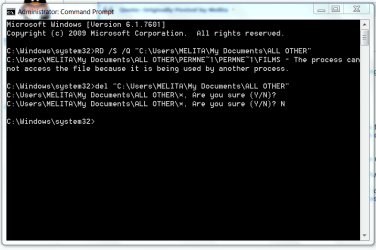
I used the RD /S /Q entry and not 'del' as you suggested in your message. Before posting this, I tried 'del' as you will see from PNG-4. The system added an asterisk to my entry and asked "whether I am sure". I did not proceed because I was concerned that the entire "
Users\MELITA\My Documents\ALL OTHER\PERMNENT FILES\PERMNENT FILES\FILMS",was going to be removed!! This, I did with explorer.exe running. What could this be? This happened only when I entered 'del', instead of RD /S /Q.
To clarify matters, all the folders are empty - no files. Files are saved in another library.
Regards.