OK.. I can not get sound. I have read all the posts about "audio service isnt running". I do not get a error code. I have checked services under windows audio and audio out. They are started and on automatic. When I open the windows audio, it shows no dependencies. On the audio out, it does. I have updated all drivers from the manufactures sites.
I have uninstalled the drivers and reinstalled them. Didnt help.
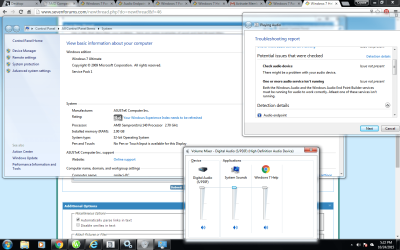
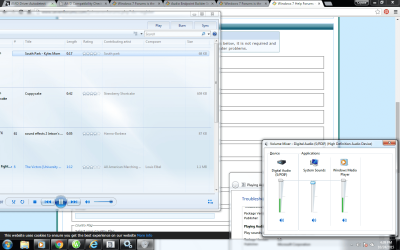
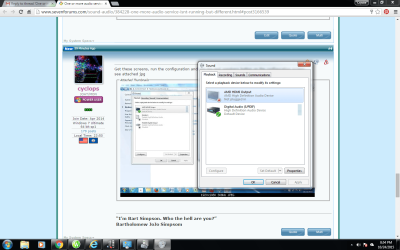
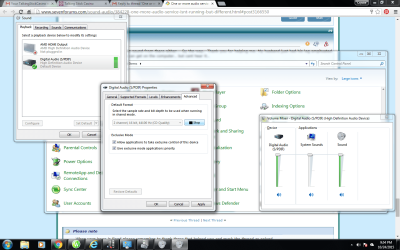
When I try to run audio, it shows that it is working on the volume control.(see screenshot)
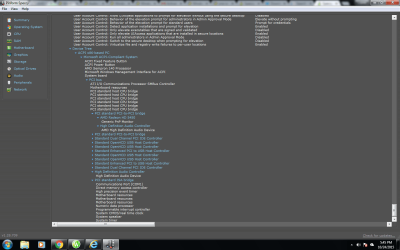
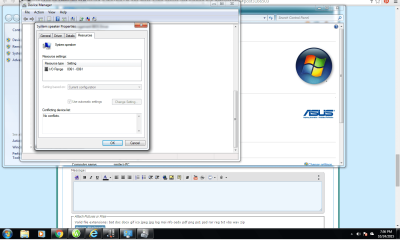
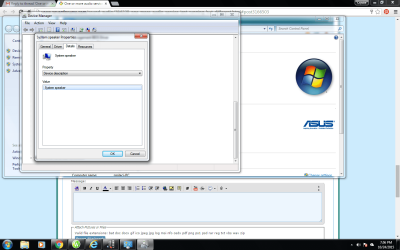
There are no error codes, or problems when I open the Device manager.(see screenshot)
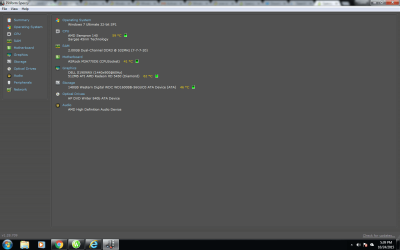
I am sending a few screen shots.
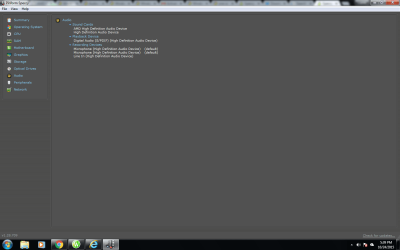
I have a Desktop ASUSTEK computer. (see screenshot)
Any help would be awesome.
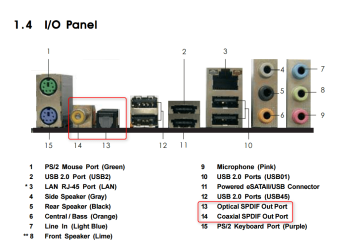
OK, now make sure you are plugged into the correct place on the computer and if yo have one try a different cable. The computer likely detects when a device is plugged in. Try a set of head phones like from a mp3 player in the headphone jack. Let's keep this simple, you've already gone to deep with the driver and all.
My Computer
At a glance
Microsoft Windows 7 Ultimate 64-bit 7601 Mult...AMD FX(tm)-6100 Six-Core Processor4.00 GBAMD Radeon HD 6450
Computer type
PC/Desktop
Computer Manufacturer/Model Number
custom build
OS
Microsoft Windows 7 Ultimate 64-bit 7601 Multiprocessor Free Service Pack 1
CPU
AMD FX(tm)-6100 Six-Core Processor
Motherboard
ASUSTeK Computer INC. M5A78L-M LX PLUS
Memory
4.00 GB
Graphics Card(s)
AMD Radeon HD 6450
Sound Card
(1) AMD High Definition Audio Device (2) Realtek High Defi
Monitor(s) Displays
Toshiba 47ZV650U 47" LCD 240Hz
Screen Resolution
1920 x 1080 x 32 bits (4294967296 colors) @ 60 Hz
Hard Drives
(1) HDT722516DLA380 ATA Device (2) Hitachi HDS721025CLA382 ATA Device (3) ST4000VN000-1H4168 ATA Device (4) Generic STORAGE DEVICE USB Device (5) Generic STORAGE DEVICE USB Device (6) Generic STORAGE DEVICE USB Device (7) Generic STORAGE
PSU
Corsair CX430M
Case
WMI (Waste Management Incorporated)
Cooling
Yes, it's very cool.
Keyboard
Bluetooth KB & Mousepad
Internet Speed
Fios 15/5 and it sucks when Verizon is throttling it down
i have tried to plug in with speakers and headset and its in the right place cause its color coded ..lol I opened up sound and it still is the same. It doesn't show speakers so I cant configure..
is there a plug available at the front of the computer for headphones?
By the way, S/PDIF is a connection that from my experience is usually the 4 wire audio cable that goes from cd/dvd drive directly to the mobo S/PDIF connection or can be a fiber opti cable from the mobo to a digital device like a stereo amp.
My Computer
At a glance
Microsoft Windows 7 Ultimate 64-bit 7601 Mult...AMD FX(tm)-6100 Six-Core Processor4.00 GBAMD Radeon HD 6450
Computer type
PC/Desktop
Computer Manufacturer/Model Number
custom build
OS
Microsoft Windows 7 Ultimate 64-bit 7601 Multiprocessor Free Service Pack 1
CPU
AMD FX(tm)-6100 Six-Core Processor
Motherboard
ASUSTeK Computer INC. M5A78L-M LX PLUS
Memory
4.00 GB
Graphics Card(s)
AMD Radeon HD 6450
Sound Card
(1) AMD High Definition Audio Device (2) Realtek High Defi
Monitor(s) Displays
Toshiba 47ZV650U 47" LCD 240Hz
Screen Resolution
1920 x 1080 x 32 bits (4294967296 colors) @ 60 Hz
Hard Drives
(1) HDT722516DLA380 ATA Device (2) Hitachi HDS721025CLA382 ATA Device (3) ST4000VN000-1H4168 ATA Device (4) Generic STORAGE DEVICE USB Device (5) Generic STORAGE DEVICE USB Device (6) Generic STORAGE DEVICE USB Device (7) Generic STORAGE
PSU
Corsair CX430M
Case
WMI (Waste Management Incorporated)
Cooling
Yes, it's very cool.
Keyboard
Bluetooth KB & Mousepad
Internet Speed
Fios 15/5 and it sucks when Verizon is throttling it down
yes... no sound from there either... By the way.. Thank you for helping me. My husband just had his leg ampituated and he can get on the computer.. but cant hear it..
As I said that is for a fiber optic or digital coax type connection for a High Def receiver or similar device. That is only displaying what is detected internally, not going to you speaker or head phone jacks
S/PDIF (Sony/Philips Digital Interface Format) is a type of digital audio interconnect used in consumer audio equipment to output audio over reasonably short distances. The signal is transmitted over either a coaxial cable with RCA connectors or a fibre optic cable with TOSLINK connectors.
You need to figure out how to add your analog connections to the configuration screen