walkingant
New member
- Local time
- 7:41 PM
- Messages
- 1
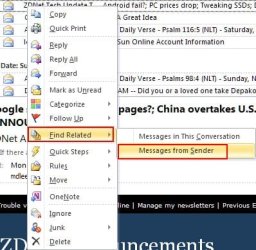
I have windows 7 Pro 64 installed--in outlook 2010 I see in the People Pane, a list of all e-mails from a particular company/person is listed. I would like to copy and paste that list into a word document.
We have been working on a project and I need a list of communications--and the list in the people pane includes the email, the attachments and the time and date, which is exactly what I need.
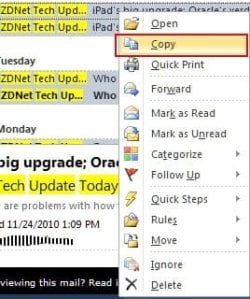
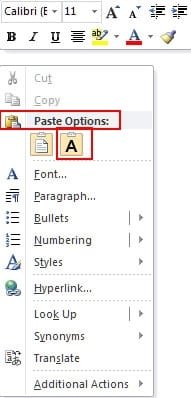
Does anyone know how to copy this list? I can select all the items, but no way to copy. Right click, does nothing. Any help would be appreciated!
thank you
We have been working on a project and I need a list of communications--and the list in the people pane includes the email, the attachments and the time and date, which is exactly what I need.
Does anyone know how to copy this list? I can select all the items, but no way to copy. Right click, does nothing. Any help would be appreciated!
thank you
My Computer
- OS
- windows 7 64