problem:
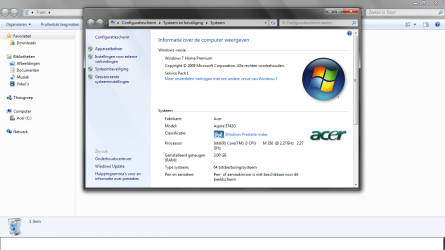
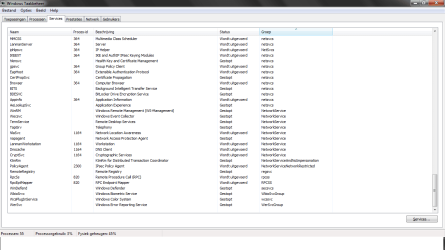
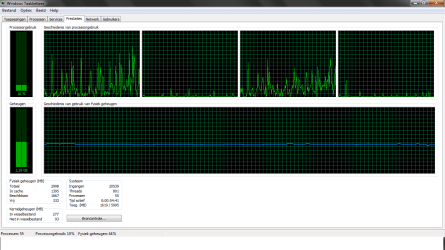
my physical memory usage is high when i have only browser opened, laptop 2months old.when i bought it i had no problems, now i dont wanna play any games more becuz it can get overheatten
i already have scanned with
-malwarebytes' anti malware
-norton internet security
-registry booster
-CCleaner
nothing found
questions:
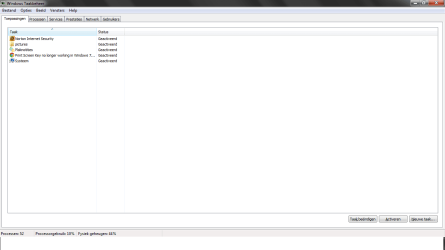
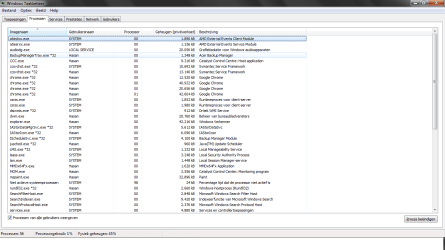
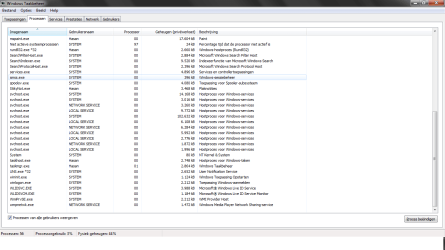
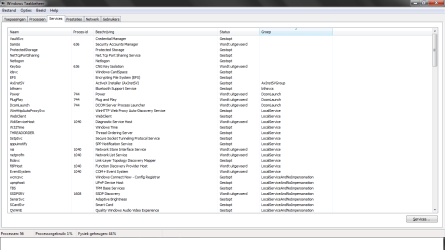
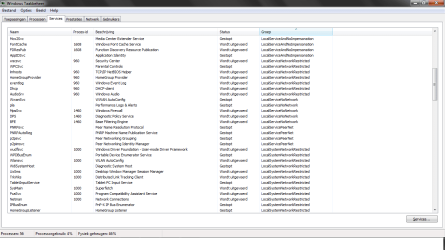
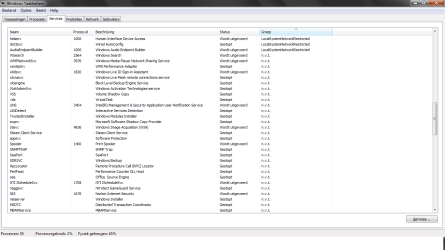
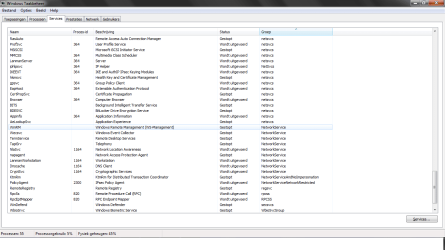
which services/processes are unnecessary?
how else i could reduce my physical memory?
That looks OK to me. Windows 7 will use as much as it needs and manages the memory so that frequently used programs remain in memory unless it is needed for something else. It really is not worth disabling services you will end up doing more harm than good.
My Computer
Computer type
Laptop
Computer Manufacturer/Model Number
Hewlett-Packard/G62-107SA Notebook
OS
Microsoft Windows 7 Home Premium 64-bit Service Pack 1
CPU
Intel(R) Core(TM) i3 CPU M 330 @ 2.13GHz
Motherboard
Hewlett-Packard 1425
Memory
8 GB DDR3
Graphics Card(s)
Intel(R) HD Graphics
Sound Card
Realtek High Definition Audio
Monitor(s) Displays
Builtin
Screen Resolution
1366 x 768 x 32 bits (4294967296 colors) @ 60 Hz
Hard Drives
250 GB SATA Hard Disk Drive 7200 rpm
2TB Seagate GoFlex USB 2 Drive
1TB Iomega Prestige USB 2 Drive
1.5TB Iomega Prestige USB 2 Drive (Samsung)
2TB WD MyBook Live NAS.
I don't know that game but as I said just let Windows manage the memory for you. Mine is sitting at 2.6 GB out of 4 and at the moment I am just browsing with Chrome.
My Computer
Computer type
Laptop
Computer Manufacturer/Model Number
Hewlett-Packard/G62-107SA Notebook
OS
Microsoft Windows 7 Home Premium 64-bit Service Pack 1
CPU
Intel(R) Core(TM) i3 CPU M 330 @ 2.13GHz
Motherboard
Hewlett-Packard 1425
Memory
8 GB DDR3
Graphics Card(s)
Intel(R) HD Graphics
Sound Card
Realtek High Definition Audio
Monitor(s) Displays
Builtin
Screen Resolution
1366 x 768 x 32 bits (4294967296 colors) @ 60 Hz
Hard Drives
250 GB SATA Hard Disk Drive 7200 rpm
2TB Seagate GoFlex USB 2 Drive
1TB Iomega Prestige USB 2 Drive
1.5TB Iomega Prestige USB 2 Drive (Samsung)
2TB WD MyBook Live NAS.
Agreed with all of the above...and trying to free up more RAM won't do anything to prevent your laptop from overheating. That's all down to CPU and GPU usage (and to a lesser extent, components such as the HD).
My Computer
Computer type
PC/Desktop
Computer Manufacturer/Model Number
Custom-built
OS
Windows 7 Professional SP1 32-bit
CPU
Intel Core 2 Duo E6600 2.4GHz
Motherboard
Asus PL5D2
Memory
4GB DDR2-667 (4x1GB in dual-channel config)
Graphics Card(s)
nVidia GeForce 9800 GT
Sound Card
Creative X-Fi XtremeMusic
Monitor(s) Displays
Acer P236H
Screen Resolution
1920x1200 (DVI)
Hard Drives
OCZ SSD Vertex Plus 60GB SATA (Firmware 3.55), 64MB cache
Hitachi HD321KJ SATA, 320GB, 7200rpm, 16MB cache

 norton security.png129.9 KB · Views: 100
 system.png204.3 KB · Views: 95
 tm1.png48.9 KB · Views: 49
 tm2.png92.2 KB · Views: 80
 tm3.png93.6 KB · Views: 52
 tm4.png106.7 KB · Views: 34
 tm5.png120.7 KB · Views: 24
 tm6.png105.3 KB · Views: 23
 tm7.png108.6 KB · Views: 16
 tm8.png110.5 KB · Views: 17
 tm9.png107.7 KB · Views: 20
 tm10.png73.9 KB · Views: 136


