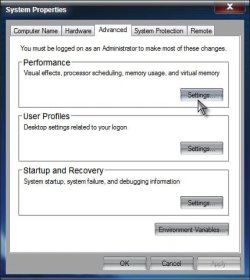
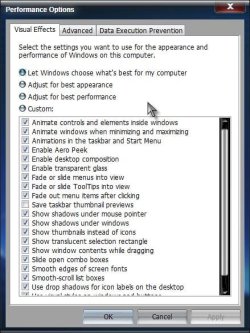
Windows 7 has the full and basic aero themes that can be changed inside personalization. Windows used to automatically disable Windows Aero (transparency) when I unplug my laptop from the mains.
I reset the theme and now it doesn't do this anymore. I can't seem to find how to enable this again. I've checked the advanced power options and control panel but turning back on this feature is eluding me. Any suggestions would be much appreciated.
I reset the theme and now it doesn't do this anymore. I can't seem to find how to enable this again. I've checked the advanced power options and control panel but turning back on this feature is eluding me. Any suggestions would be much appreciated.
My Computer
- OS
- windows 7 pro 32 bit
- Memory
- 3GB