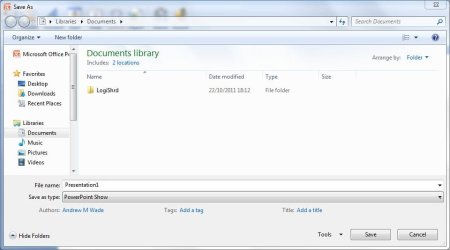
I just made a PowerPoint 2007 slide show presentation with 82 slides, music (that plays through the slides from beginning to ending) and many slides having animated GIFS. The complete finished presentation is flawless, and it came out very well. It's really a beautiful presentation (for a retirement party).
I saved the presentation on my desktop, and if I click the PowerPoint icon for this, of course it goes into the slide presentation where I can edit any number of slides I so desire or modify it in any way.
NOW! No matter what I do to transfer this file . . . saving it to a CD or flash drive . . . or, even put the file into a New Folder from the desktop, the animated GIFS not only get "flattened" and don't play AT ALL . . . but the ENTIRE SLIDE PRESENTATION doesn't even advance from Slide One!!! Also, the music background is gone! So in other words, if I click the icon from any saved media - CD, flash drive, it shows the very first slide only and just "sits" there - no music, no animated GIF (which I have starting on the first slide) and no advancement from this first slide into Slide Two! TALK ABOUT AN ODDITY! Can anyone offer any help on this?
I saved the presentation on my desktop, and if I click the PowerPoint icon for this, of course it goes into the slide presentation where I can edit any number of slides I so desire or modify it in any way.
NOW! No matter what I do to transfer this file . . . saving it to a CD or flash drive . . . or, even put the file into a New Folder from the desktop, the animated GIFS not only get "flattened" and don't play AT ALL . . . but the ENTIRE SLIDE PRESENTATION doesn't even advance from Slide One!!! Also, the music background is gone! So in other words, if I click the icon from any saved media - CD, flash drive, it shows the very first slide only and just "sits" there - no music, no animated GIF (which I have starting on the first slide) and no advancement from this first slide into Slide Two! TALK ABOUT AN ODDITY! Can anyone offer any help on this?
My Computer
- Computer Manufacturer/Model Number
- Dell Optiplex 760
- OS
- Windows 7 Pro, 64-bit