
Whenever I use 'Alt - Tab' to switch between programs, I get a ghost window that I can not see or close. The only thing visible about it is on the desktop, there is a white, empty square (you can see it on my desktop in the image) and when I bring up the 'Alt - Tab' window I can see the window with a green arrow that almost looks like a download arrow. (It's the first window)
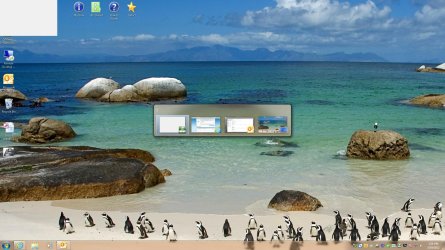
Any ideas?
Any ideas?
My Computer
- OS
- Windows 7 64bit